Search Skill Studio AI ..


Author
Magda Targosz
Category
features-updates
Published date
Reading Time
13 min
Go back
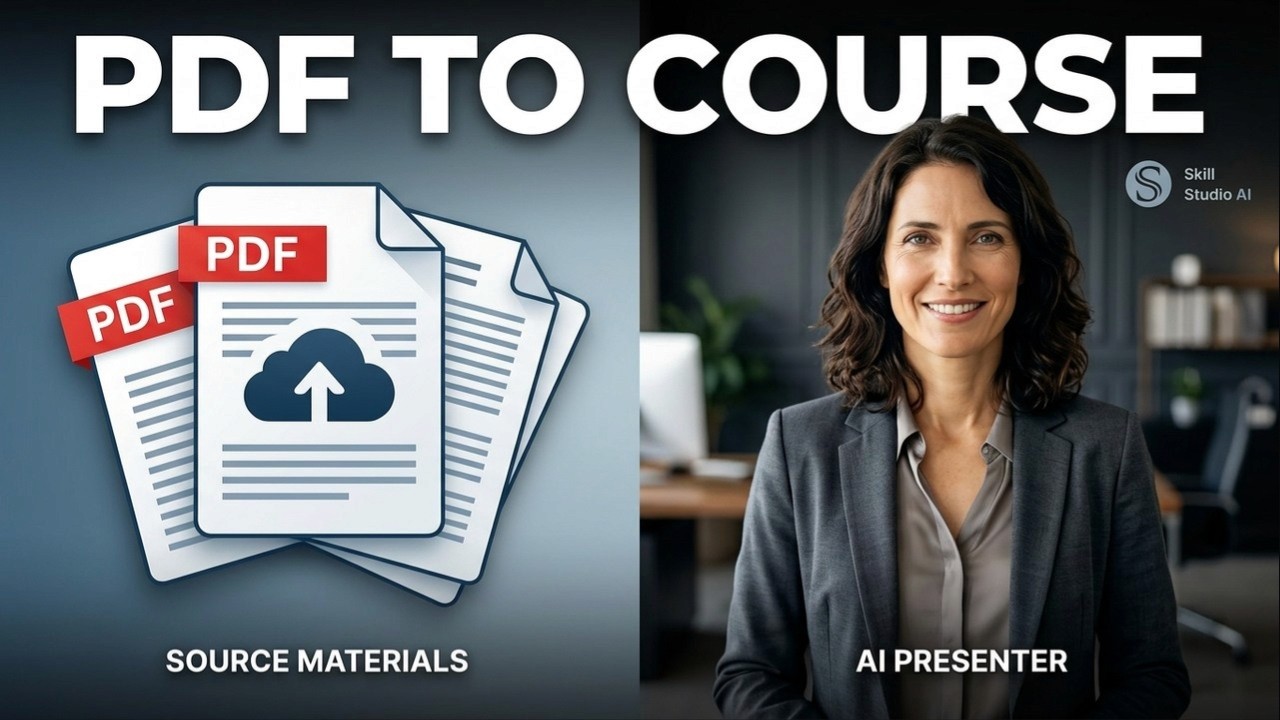
Skill Studio AI gives you 10 free credits to transform any document into a complete training course with assessments in minutes, no setup required.
Contents
Key Takeaways
What You Get With Your Free Credits
How to Build a Course in Three Minutes
Why AI-Generated Assessments Matter
Real-World Applications for Compliance and Onboarding
How Personalization Multiplies Your Training Impact
From One Course to Enterprise Training at Scale
Frequently Asked Questions
Key Takeaways
Instant course creation: Skill Studio AI converts documents into structured training courses in under five minutes with zero manual lesson planning.
AI-powered assessments: The platform generates multiple-choice, scenario-based, and true/false questions that test genuine comprehension rather than memorization.
Free tier value: Your 10 free credits let you test the full workflow on compliance guides, SOPs, or onboarding manuals before committing to paid plans.
Role-based learning paths: Skill Studio AI automatically maps learner roles to personalized training sequences, reducing time spent on irrelevant content.
Compliance-ready: Built for regulated industries—financial services, education, healthcare—where audit trails and skill gap detection are non-negotiable.
No production overhead: Say goodbye to studios, cameras, scriptwriters, and six-week timelines; your existing documents are your content foundation.
Analytics that matter: Track certification outcomes, workforce readiness metrics, and skill progression in real time to tie training to business results.
Affordable scaling: Start free, move to Starter (€29/mo) for small teams, or jump to Business (€149/mo) or Enterprise (€700/mo) as your training grows.
You signed up for Skill Studio AI because you knew training was broken. Long timelines. Bloated budgets. Courses that sit on shelves unfinished. If you haven't used your free credits yet, here's why today is the day to spend them—and what you'll learn in those first three minutes that changes how you think about building training forever.
What You Get With Your Free Credits
Your 10 free credits unlock the full Skill Studio AI experience at no risk. Each credit covers one document conversion, meaning you can test the platform on up to 10 compliance guides, Standard Operating Procedures, onboarding manuals, or policy documents. That's enough to run a genuine pilot on real content from your organization.
The free tier isn't a crippled preview. You get the same AI-powered document-to-course engine that paid users rely on. Upload a PDF or document, wait three minutes, and receive a structured training module complete with interactive lessons, auto-generated assessments, and learner analytics. Skill Studio AI handles the heavy lifting—natural language processing reads your document, extracts learning objectives, builds a lesson sequence, and writes scenario-based questions that test understanding, not just recall.
Most L&D teams use their free credits on one of three document types: compliance and regulatory training (SOX, GDPR, anti-money laundering guides), employee onboarding manuals (IT setup, benefits enrollment, culture orientation), or operational procedures (customer service protocols, safety checklists, technical troubleshooting). All three see the same immediate payoff: what normally takes two to four weeks of instructional designer time is ready for learners in minutes.
How to Build a Course in Three Minutes
Skill Studio AI collapses the traditional course development cycle into three steps and five minutes total.
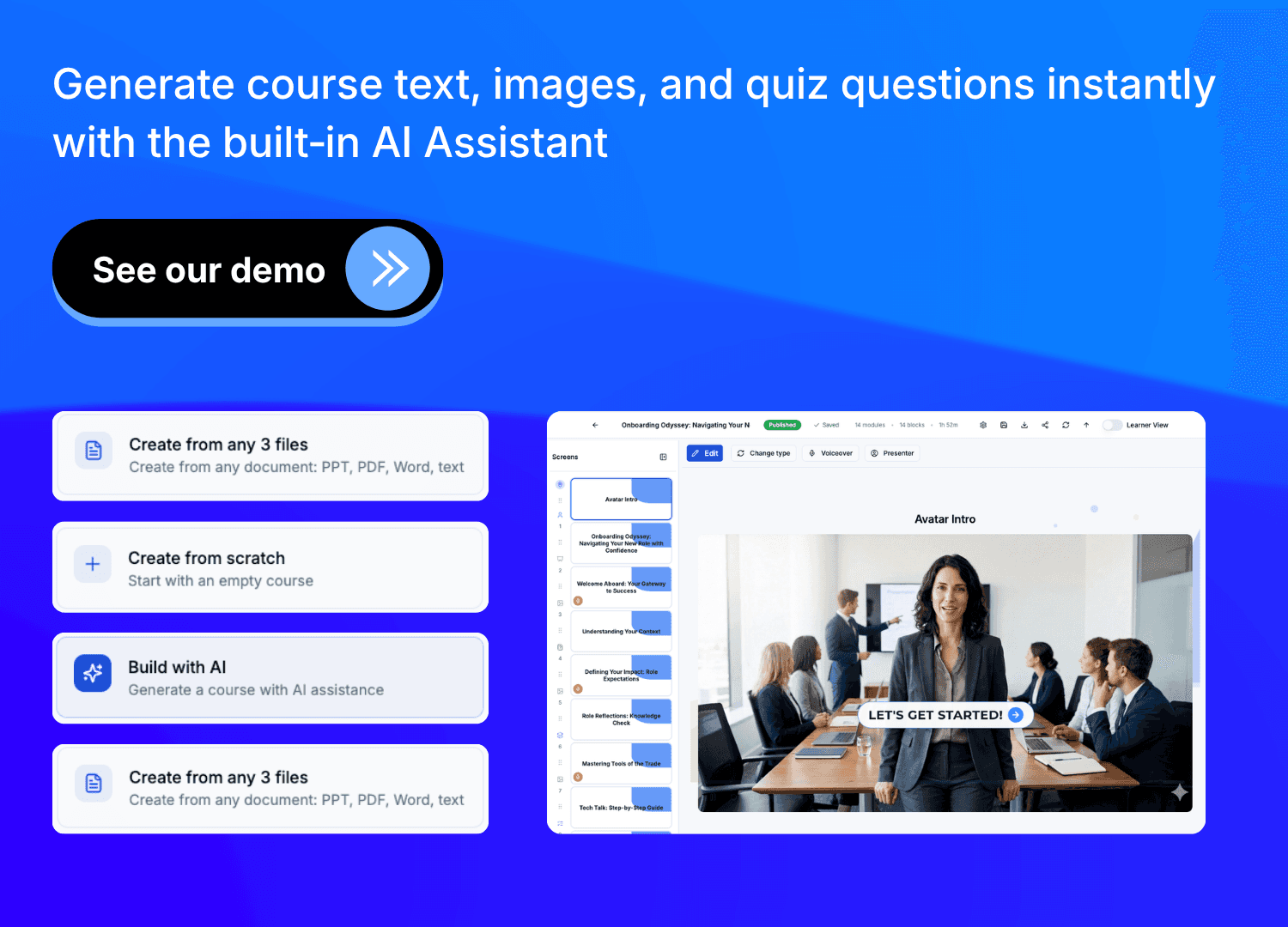
Step one: upload. Log in, select your document, and submit it. The platform accepts PDFs, Word files, and text. No formatting required. Skill Studio AI's AI reads the full context—structure, headings, technical language, compliance requirements, everything—and begins building your course architecture in the background.
Step two: AI generation. While you watch, the system creates lesson breakdowns, learning objectives, and—critically—assessment questions. This is where Skill Studio AI differs from simple document hosts. The AI doesn't just copy-paste text into slides. It understands what learners need to know, generates multiple-choice questions that test real comprehension, creates scenario-based questions tied to job performance, and drafts true/false statements that probe edge cases. You're not waiting for a designer to write questions; the AI owns this work.
Step three: review and publish. You see a fully structured course with lessons, assessments, and metadata. Make any tweaks—reorder lessons, edit question wording, adjust difficulty—then publish. Learners can enroll immediately. Skill Studio AI tracks completion, scores, time spent, and skill mastery in real time.
For a 20-page compliance manual, the entire process—from upload to live training—takes under five minutes. Compare that to the traditional path: brief the instructional designer (two days), wait for lesson outline drafting (one week), review and revise (three days), design assessments (four days), build in an LMS (three days), QA and launch (two days). You've eliminated four to five weeks of waiting. Your free credits let you prove this on real content before you upgrade.
Why AI-Generated Assessments Matter
The biggest surprise for first-time users is how well Skill Studio AI generates assessment questions. Assessments are where training either lands or lands flat—lazy questions let learners guess their way to completion; rigorous questions force genuine understanding and retention.
Skill Studio AI creates three assessment types automatically: multiple-choice questions with distractors grounded in real document content, scenario-based questions that simulate job situations (e.g., "A customer submits a request that violates policy X—what do you do?"), and true/false statements that test nuance (not just yes/no, but why). The AI extracts these from your source material, ensuring every question maps directly to something learners need to know.
This matters for compliance and risk. In regulated industries, auditors don't just ask "Did people complete training?" They ask "Can we prove learners understand the policy?" A true assessment—one grounded in realistic scenarios—shows that yes, your team can apply the rule to a novel situation, not just recite it. Financial services firms, education institutions, and healthcare organizations especially value this because a failed assessment can trigger retraining or escalation, and you need evidence that retraining actually worked.
Traditional LMS platforms leave assessment creation to you or your vendor. Skill Studio AI automates this, freeing your instructional designers to focus on edge cases, localization, or advanced pedagogy rather than writing 50 questions for every course. For every document you convert with your free credits, you'll see how much time this saves and how much better your completion data looks when learners face real questions, not busywork.
Real-World Applications for Compliance and Onboarding
Free credits show their value fastest on compliance training. A 25-page anti-money laundering guide, normally a six-week course build, becomes a live training module in five minutes with Skill Studio AI. New hires enroll, complete interactive lessons, take scenario-based assessments, and you have proof of understanding on day one. If an audit happens six months later, the analytics are built in—certification dates, question-by-question performance, skill mastery scores.
Onboarding is the second obvious win. New employees receive role-based learning paths tailored to their function—engineers see technical setup and codebase orientation; sales reps see product features and deal process; HR staff see payroll systems and benefits enrollment. Skill Studio AI automates this personalization by mapping learner roles to relevant course sections, so each person gets a customized pathway rather than sitting through eight hours of generic content. Your free credits let you test this on your current onboarding manual and see immediate engagement lift.
Standard Operating Procedures benefit too. Customer service teams, operations centers, and field staff all need quick access to procedural training—how to handle a refund, how to troubleshoot a common error, how to document an incident. Skill Studio AI turns a 30-page SOP manual into bite-sized, assessable lessons. Learners can take a 5-minute module before their first call, and supervisors have data on whether they're ready.
How Personalization Multiplies Your Training Impact
Generic one-size-fits-all training wastes 30 percent of learner time on irrelevant content. Personalization—adapting the course to the learner's role, experience level, and goals—cuts that waste dramatically and improves retention by 40 percent according to corporate training benchmarks.
Skill Studio AI builds personalization into every course it generates. When you upload a document, the AI extracts role-based learning objectives. A bank compliance manual, for instance, naturally separates content for tellers, loan officers, and back-office staff. The platform automatically creates role-based playlists so each role sees only the modules that matter to them. Skill Studio AI also tracks learner progress and adjusts recommendations in real time—if someone struggles with a topic, the system suggests reinforcement content; if they master it quickly, they move forward without busywork.
This adaptive approach is especially powerful for skill gap detection. As learners complete assessments, Skill Studio AI identifies which skills they've mastered and which ones need work. You don't have to guess whether your sales team understands your product; the data shows exactly which features each rep struggles to explain. You can then assign targeted reinforcement before they talk to a customer. For compliance, this means you catch knowledge gaps before they become regulatory risks.
Your free credits let you test this on a document and see the difference between static courses and adaptive ones. Upload an onboarding manual, watch Skill Studio AI create role-based pathways automatically, enroll a few test learners in different roles, and compare how much faster the right person gets trained on the right content.
From One Course to Enterprise Training at Scale
The free tier is a sandbox. But once you see what's possible, you'll want to scale. That's where Skill Studio AI's paid plans kick in. The Starter plan at €29 per month is built for small teams—single departments, compliance teams, or training coordinators managing a handful of courses. The Business plan at €149 per month is for mid-size L&D functions scaling across departments. The Enterprise plan at €700 per month serves organizations with hundreds of courses, thousands of learners, and complex integrations.
Each upgrade unlocks more documents, more analytics, faster API access, and dedicated support. But the core value—document-to-course-in-minutes—stays the same. Your free credits prove the concept; paid plans let you multiply it. If your organization has 50 compliance manuals, 20 onboarding guides, and 15 SOP documents, you're looking at a years-long course build on traditional tools. With Skill Studio AI at scale, you convert all 85 documents in days, not years.
Enterprise customers also get features like custom branding, SCORM compliance for legacy LMS systems, role-based access controls, and advanced analytics that tie training to business outcomes—workforce readiness metrics, certification tracking, and skill trending. These features justify the €700/month investment when you're training thousands of people across multiple regions and need audit-proof evidence of training compliance.
Your free credits are the proof of concept. Use them now, see the impact, then decide which paid plan matches your scale. Most organizations that start free convert to Starter within a month and upgrade to Business within three months as they realize how much training they can build.
Frequently Asked Questions
Can I use my 10 free credits on any type of document?
Yes. Skill Studio AI works on compliance guides, onboarding manuals, SOPs, policy documents, training materials, and any instructional text. The AI adapts to the document type, so a highly technical manual gets technical assessments, while a soft-skills guide gets scenario-based questions. You can split your 10 credits across different documents or use all 10 on variations of one guide.
What happens to my course after the three-minute build?
Your course is live immediately. Learners can enroll, complete lessons, take assessments, and you see real-time analytics on completion, scores, and time spent. The course stays in your Skill Studio AI account and is editable—you can update lessons, adjust questions, or republish at any time. If you upgrade to a paid plan later, all your free-tier courses carry over with full access to analytics and advanced features.
Do I need instructional design experience to use Skill Studio AI?
No. The AI handles lesson structure, objective extraction, and assessment generation. You upload a document and get a course. That said, if you do have instructional design skills, you can refine the AI-generated course—reorder lessons, edit question wording, or add multimedia. The platform is designed for both speed (non-designers get a course in minutes) and control (designers can customize as needed).
How good are the assessments that Skill Studio AI generates?
The assessments are rigorous and job-relevant. The AI creates multiple-choice questions with realistic distractors, scenario-based questions that simulate real situations learners will face, and true/false questions that test nuance. Because the AI reads your full document and understands context, questions are grounded in actual content, not generic filler. Compliance and regulated-industry customers especially value this because auditors can see that learners didn't just memorize—they can apply knowledge to novel situations.
What if I'm not satisfied with the generated course?
Every course is editable. You can reorder lessons, revise questions, adjust difficulty, or add custom content. If you want to start over with a different document, you still have unused credits. The free tier is explicitly designed as a low-risk trial—the worst case is you upload a document, see the result, edit or delete it, and use another credit on a different document. Most users are surprised by the quality and make only minor tweaks.
Can I export my course or move it to another LMS?
Skill Studio AI courses are built on the platform and designed to stay there so you benefit from ongoing analytics and updates. However, paid plans include SCORM export for integration with legacy LMS systems. Your free-tier courses can be exported if you upgrade to a paid plan. This flexibility ensures you're not locked in and can scale training across multiple systems as your organization grows.
How do I convert my free credits to a paid plan?
Once you've used your free credits and seen the value, upgrading is one click. Starter (€29/mo) gives small teams more document capacity and advanced analytics. Business (€149/mo) adds team management, custom branding, and faster processing. Enterprise (€700/mo) includes dedicated support, API access, and advanced integrations. All paid plans include unlimited course building, so you're not limited by credits—you're limited only by your budget and ambition.
What industries benefit most from Skill Studio AI?
Compliance-heavy industries—financial services, education, healthcare, insurance—see the fastest ROI because they have more regulatory training to build and auditors demand proof of completion and understanding. But any organization with documentation—operations manuals, product guides, safety procedures—benefits. We've seen wins in tech onboarding, customer success training, field service operations, and internal process documentation across every sector.
Your free credits are sitting in your account right now, waiting to prove what AI-native training looks like. You don't need a perfect document, a production team, or a six-week runway. Upload something real from your organization—your most time-consuming onboarding manual, your most complex compliance guide, your hairiest SOP—and watch it become a structured, assessed, live training course in three minutes. That's not theory. That's Skill Studio AI. And you already own it.
Log in and use your first credit today. I bet you'll use the rest within the week.