

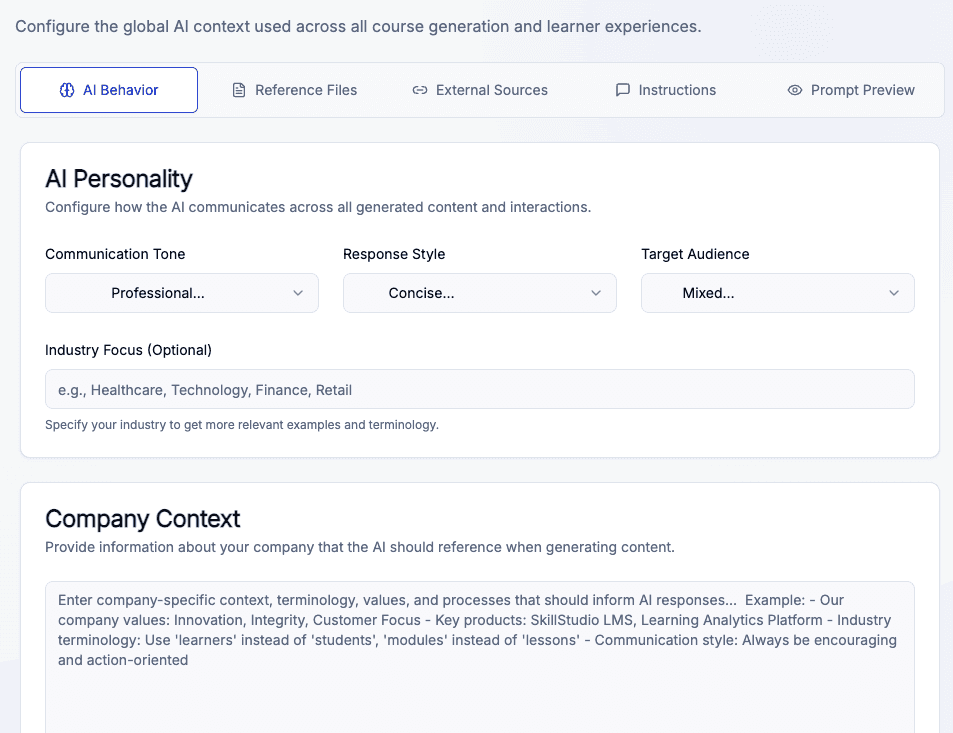
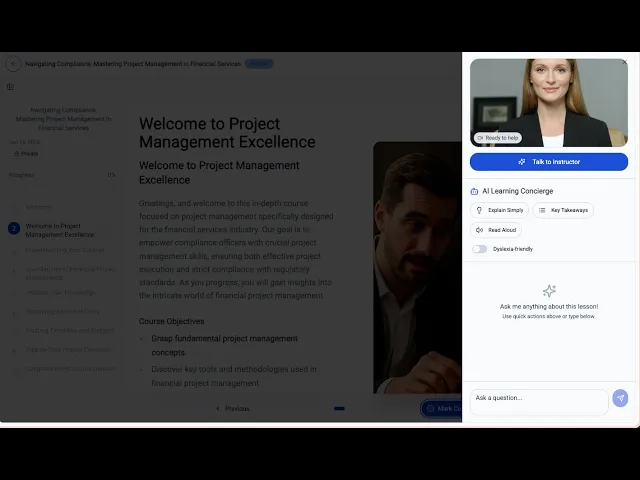
We’re on a mission to create training fast, easy and accessible to everyone — whether you're a small trainer or an organisation. With AI-driven tools and a user-first design, Skill Studio AI helps you express your vision beautifully and effortlessly.
+0s
Training videos
0%
User Satisfaction
0+
Countries & growing
Next-level pro-tools for training creators
More Features
Turn Your Static Documents into Dynamic AI Learning Experiences
Stop letting your SOPs and PDFs collect dust; let AI breathe life into them with interactive video and smart assessments.

Infinite Scalability
Train thousands globally in 100+ languages without ever repeating a session.

Launch instantly
Go from a raw PDF to a fully launched mobile course in minutes, not weeks.

Made for Mobile
Optimized for speed and editing anytime, anywhere.

Guaranteed Compliance
Automatically monitor and update training as regulations change to stay 100% audit-ready.
Process
How Skill Studio AI works
To get your training live with Skill Studio AI, follow these four simple steps
Learn more about Skill Studio AI!
Manage your entire training ecosystem from a single, unified platform. No more juggling tools—everything you need is right here.

Level Up with AI!
Old School vs. AI Cool
Why stick with outdated methods when you can breeze through your work with AI? Let us show you how our smart tech leaves the old way in the dust.
Traditional
Weeks of Manual Drafting
Static PDFs & Slide Decks
Expensive Studio Production
Fixed, One-Size-Fits-All Content
Manual Quiz & Assessment Creation
Slow, Costly Updates
Limited Language Localization
Fragmented Tools & Logins
Skill
Studio AI
60-Second AI Course Generation
Interactive PDF-to-Video Conversion
Instant AI Avatars & Voiceovers
Hyper-Personalized Learning Paths
Automated AI Knowledge Checks
Real-Time Policy & Content Refreshes
Instant Translation in 100+ Languages
All-in-One AI-Native Platform
Frequently Asked Questions
Wondering About Something? Let’s Clear Things Up!
We’ve gathered all the important info right here. Explore our FAQs and find the answers you need.
1. How long does it take to create a course with AI?
Using the AI Generate Wizard, you can go from a text prompt or a document to a fully structured, multi-module course in under 60 seconds.
2. Can I turn my existing company documents into training?
Yes. You can upload PDFs or PowerPoints (up to 50MB), and the AI will analyze the content to identify key concepts, generate a course outline, and even suggest visual diagrams or flowcharts.
3. Do I need to be on camera to create video lessons?
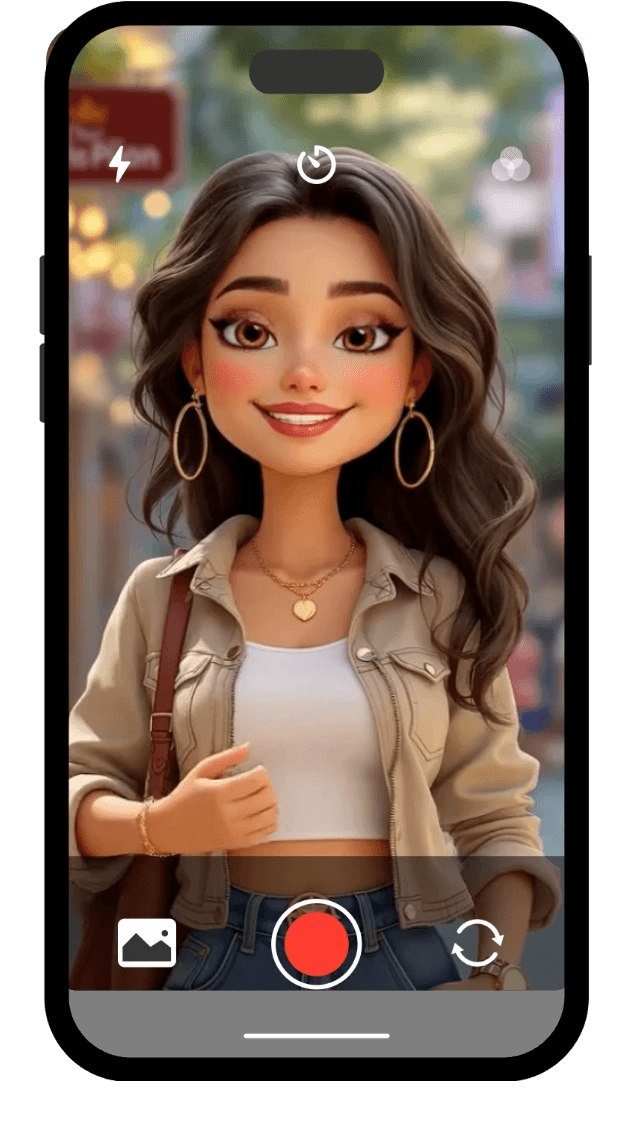
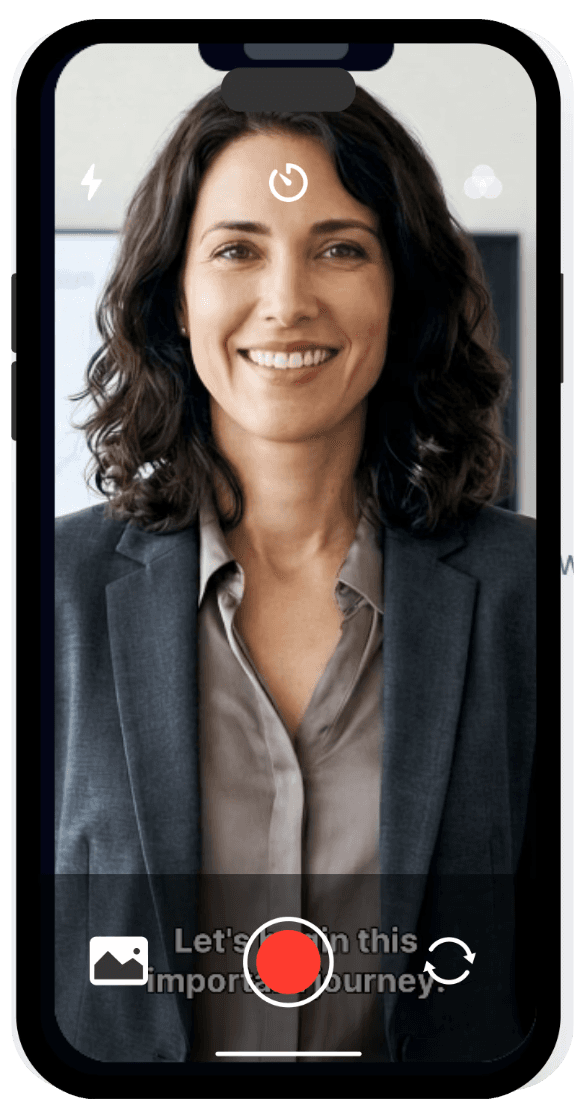
No. You can use AI-powered avatars from a diverse stock library or create a "digital twin" by cloning your own face and voice. The AI then generates high-definition video directly from your written script.
4. How many languages does Skill Studio AI support?
The platform currently supports over 100 languages. You can generate training once and instantly localize it with native-sounding AI narration for a global workforce.
5. Can I export courses to my own Learning Management System (LMS)?
Yes. Courses can be exported as SCORM packages or PDFs with a single click, making them compatible with any major LMS or for offline archiving.
6. How do I track if my team has actually finished the training?
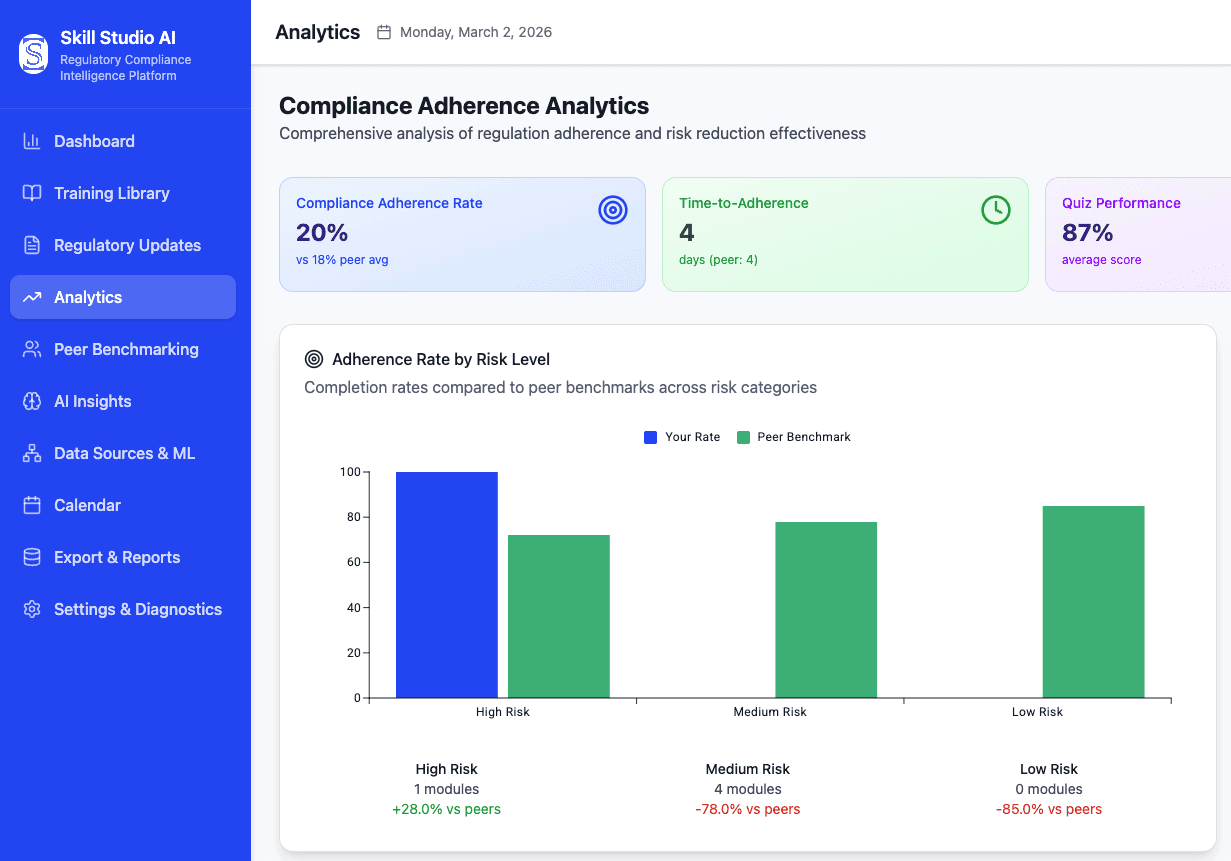
Skill Studio AI includes Real-Time Analytics and a compliance dashboard. You can monitor completion rates, quiz scores, and learner progress to ensure audit readiness at all times.
7. Is there a free version available?
Yes. Skill Studio AI offers a Free Tier (€0/month) that includes 10 monthly credits, allowing you to publish one course and access basic analytics and AI features.
When performance matters, they choose Skill Studio AI


Blogs