Search Blogs
Discover how personalized learning paths revolutionize corporate training. Boost employee engagement, enhance knowledge retention, and foster skill development tailored to individual needs. Empower your L&D team to build a dynamic learning culture with an






Empowering Your Workforce, Anywhere, Anytime: The Magic of Mobile Learning
Imagine a world where learning isn't confined to a desk or a classroom, where your team members can grow and develop regardless of their location or schedule. It sounds like a dream, doesn't it? Yet, this empowering vision is not only possible but also thriving thanks to the incredible evolution of mobile learning, or mLearning. As Learning and Development professionals, we often grapple with the challenge of delivering impactful training to a diverse and often distributed workforce. We want our initiatives to be accessible, engaging, and truly effective. Mobile learning isn't just a trend, it's a powerful solution that helps us achieve exactly that.
In today's fast-paced corporate environment, the ability to learn on the go is no longer a luxury, it's a necessity. We're going to dive deep into what mLearning truly is, explore its immense advantages, and uncover how it can dramatically enhance both the accessibility and engagement of your training programs. Get ready to unleash the full potential of your team!
What Exactly is Mobile Learning (mLearning)? A Fresh Perspective
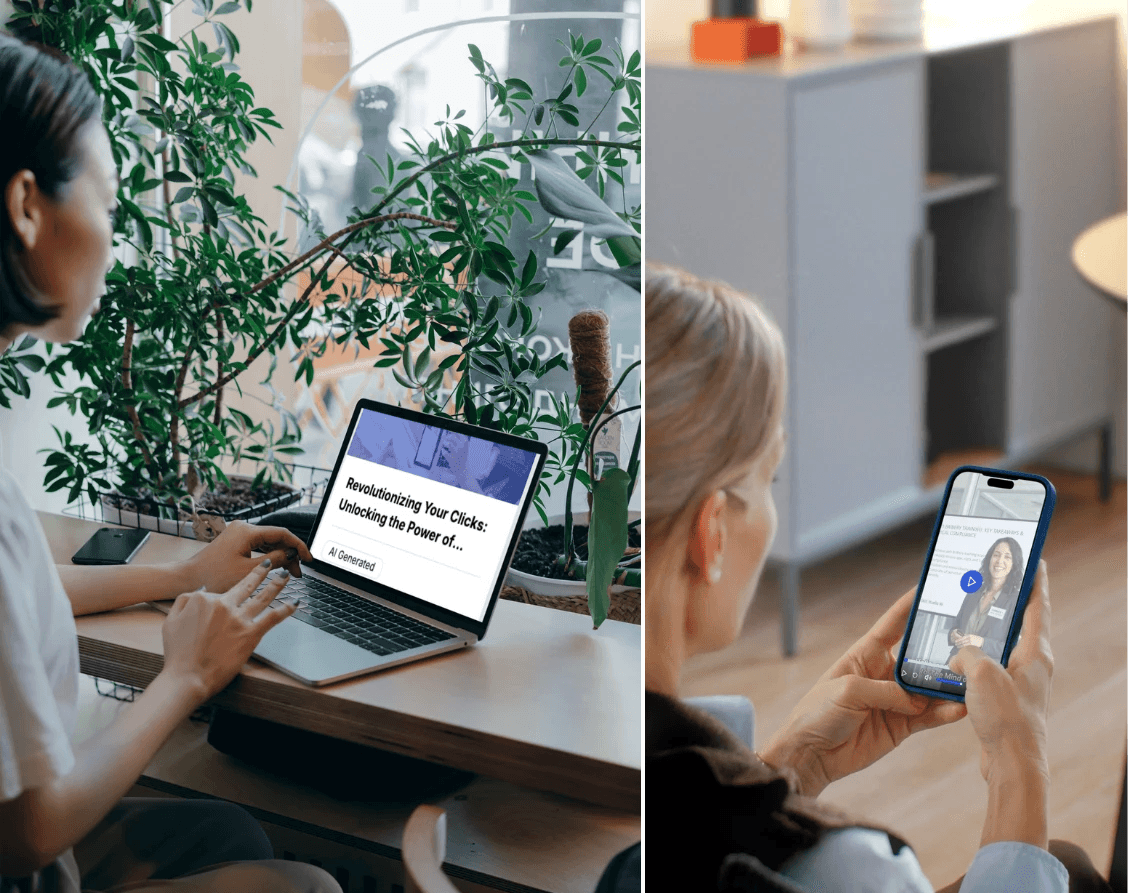
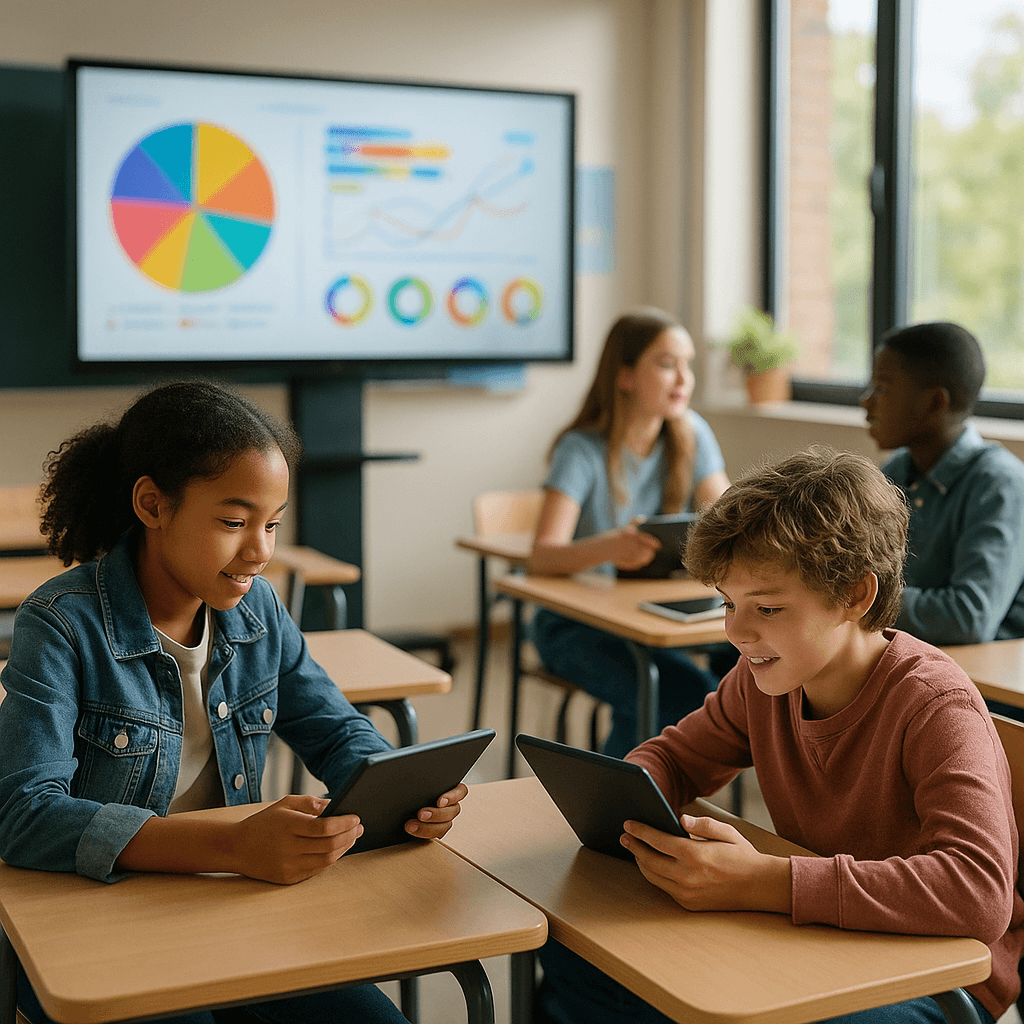
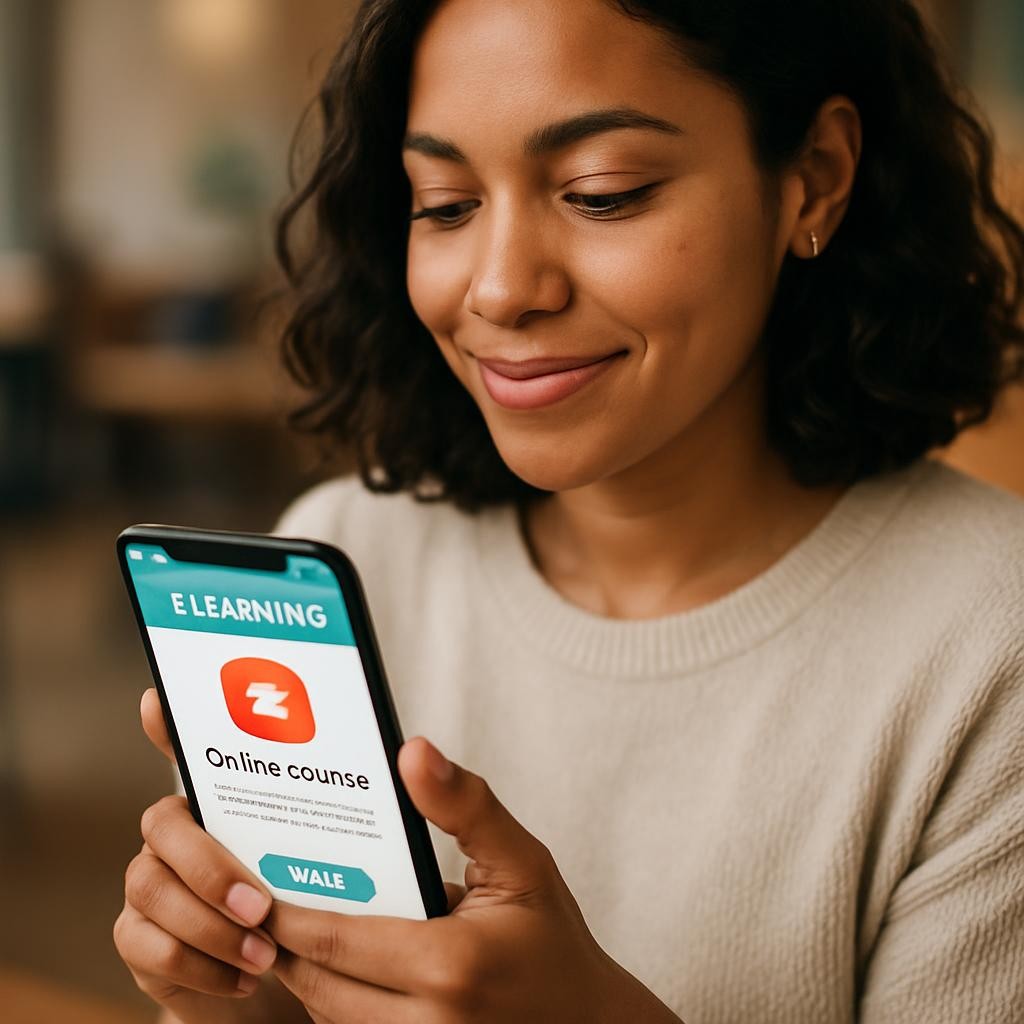
So, what exactly are we talking about when we say mLearning? Simply put, mobile learning refers to the delivery of educational or training content via mobile devices like smartphones and tablets. It's about empowering learners to access information, complete modules, and interact with course material wherever they are, whenever they choose. Think of it like this: if traditional learning is a scheduled banquet, mLearning is a gourmet snack cart that's always open, serving up delicious, bite-sized knowledge exactly when you're hungry for it.
It's more than just putting a PDF on a phone. True mLearning involves content specifically designed and optimized for the unique constraints and advantages of mobile screens and touch interfaces. This often means shorter modules, interactive elements, and a focus on immediate applicability. It leverages the devices our teams already use every single day, integrating learning seamlessly into their lives. For L&D teams, this means a powerful tool to foster continuous growth and development.
The Unstoppable Rise of Mobile Learning in the Modern Workplace
Why has mLearning become such a force to be reckoned with? The answer lies in the dramatic shifts in how we work and live. Consider the sheer ubiquity of mobile devices, almost everyone carries a powerful computer in their pocket. This widespread adoption naturally paves the way for learning to follow suit.
Furthermore, the rise of remote and hybrid work models has shattered the traditional notion of a centralized office. Our teams are spread across different cities, time zones, and even continents. How do we ensure everyone receives consistent, high-quality training? Mobile learning provides a brilliant answer, bridging geographical divides with ease. We've also seen a generational shift, with younger employees accustomed to consuming information on their phones and expecting similar flexibility in their professional development. M-learning meets them where they are, using technology they're already comfortable with.
Supercharging Accessibility with mLearning: Opening Doors to Knowledge
One of the most profound benefits of mobile learning is its unparalleled ability to enhance accessibility. For L&D teams, this means breaking down barriers that once limited who could learn and when. Let's explore how it truly opens doors.
Breaking Down Geographic Barriers: Training Anywhere, Anytime
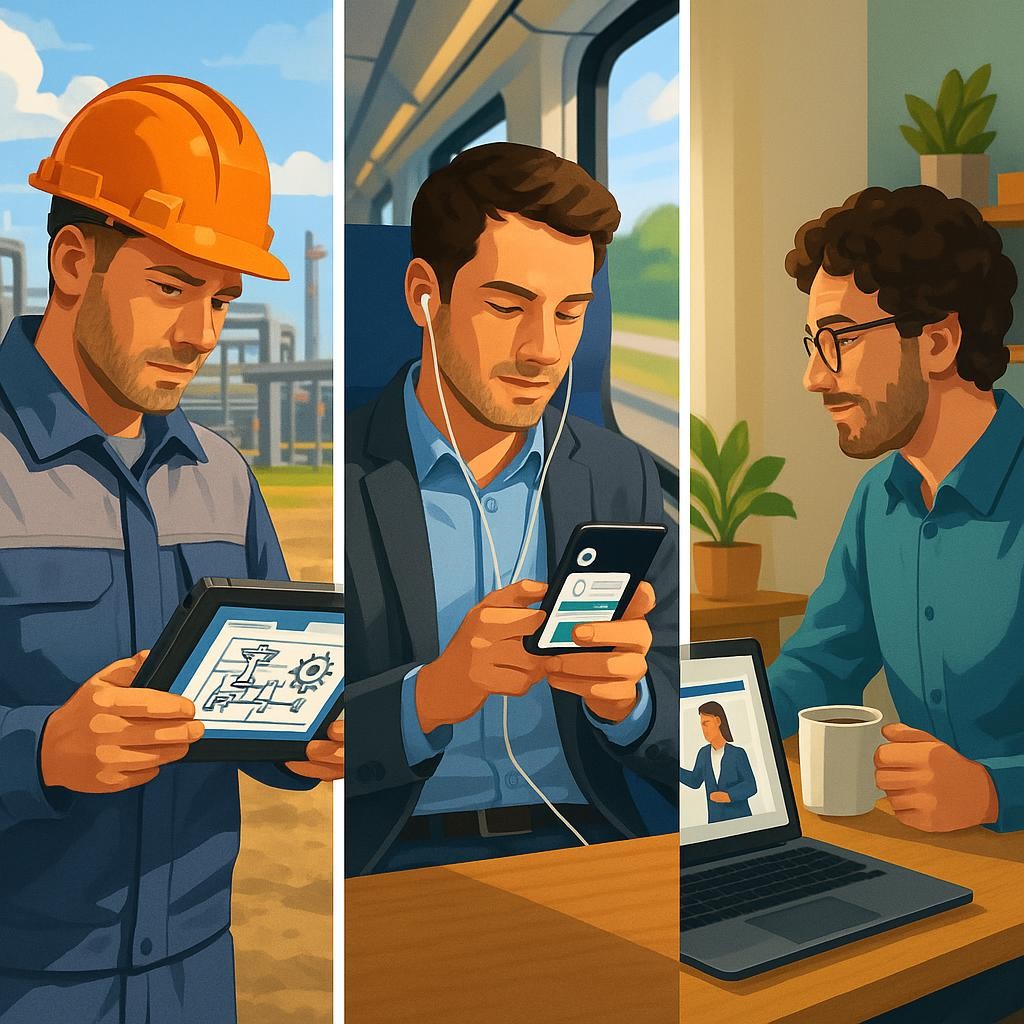
Remember the days of coordinating travel and accommodation for regional training sessions? With mLearning, those logistical nightmares become a distant memory. Your sales team can complete product knowledge modules while waiting for a client meeting in a different city. Field service technicians can access critical updates from a job site. This isn't just convenient, it's empowering. It means every employee, whether in a remote office or on the factory floor, has equal access to vital learning resources. A global corporation, for example, can roll out compliance training to all its employees simultaneously, ensuring consistent understanding across diverse locations without requiring a single flight.
Inclusive Learning for Diverse Needs: A Personalized Approach
Every learner is unique, with different preferences, paces, and even learning challenges. M-learning's flexible nature is a beacon of inclusivity. Employees can re-watch complex videos, re-read challenging sections, or complete interactive quizzes at their own speed. This self-paced approach is a game-changer for those who might feel rushed in a group setting or need extra time to process information. Moreover, many mobile learning platforms offer features like adjustable font sizes, audio narration, and compatibility with accessibility tools, making learning more approachable for individuals with varying needs. It fosters an environment where everyone feels supported in their learning journey.
Time Flexibility: Learning on Their Schedule
Life happens, and work schedules can be unpredictable. Asking employees to block out hours for training can be a significant hurdle. Mobile learning elegantly sidesteps this issue. It champions the concept of microlearning, delivering content in short, digestible chunks, often just 5-10 minutes long. This allows learners to fit education into their