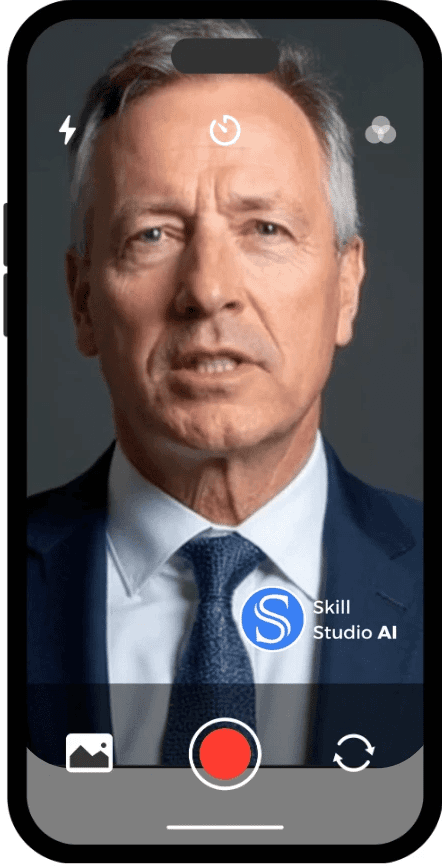
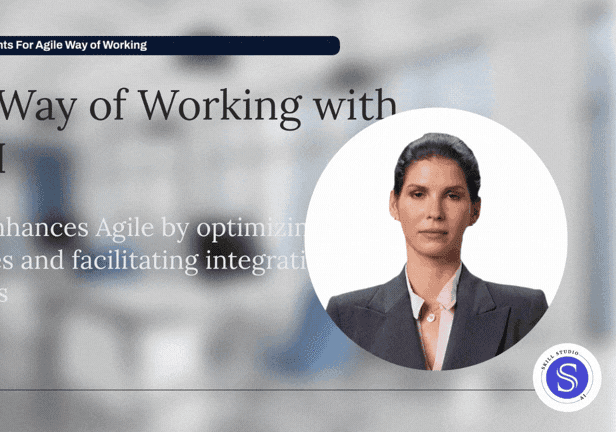
Create courses with AI

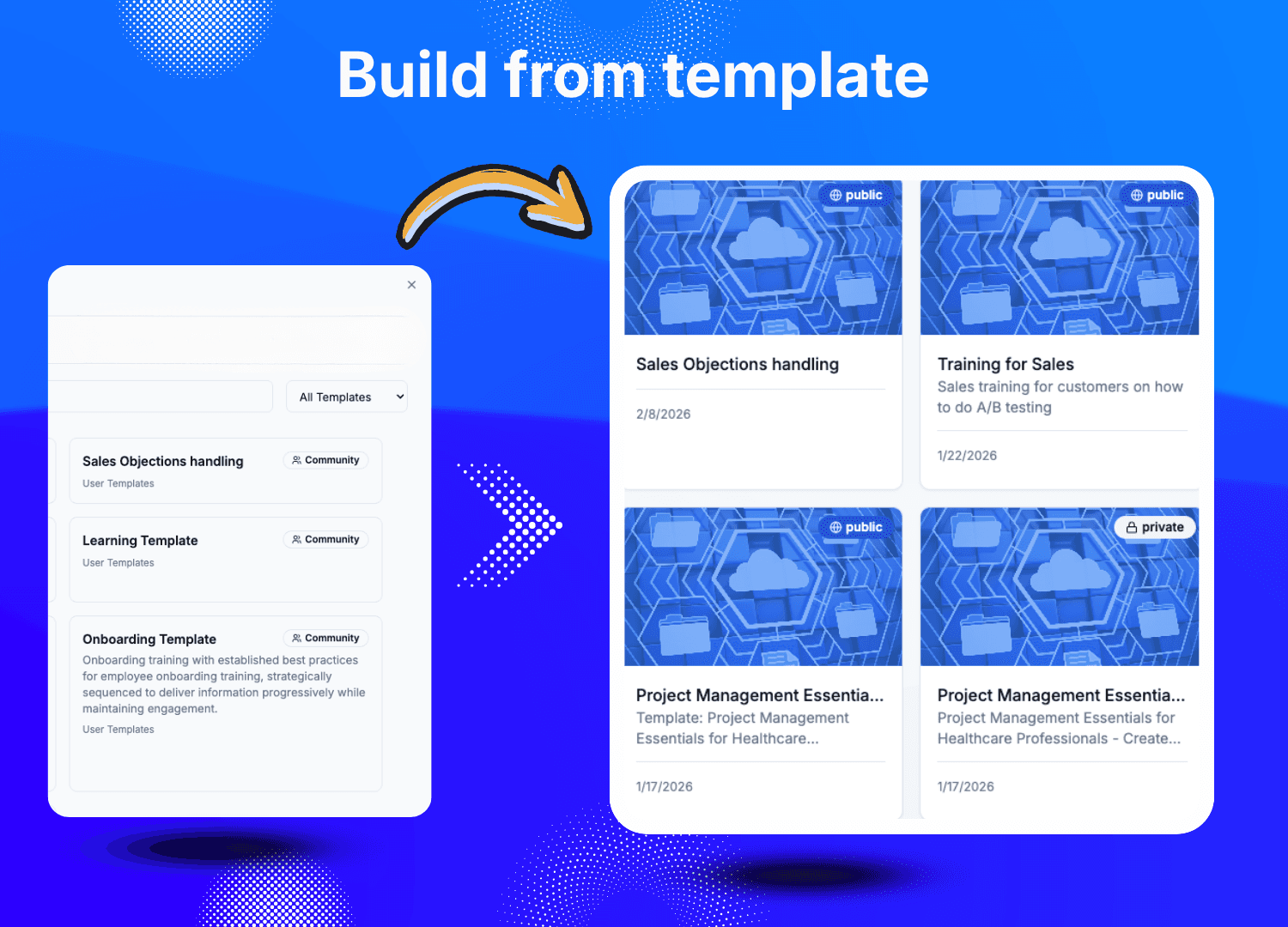
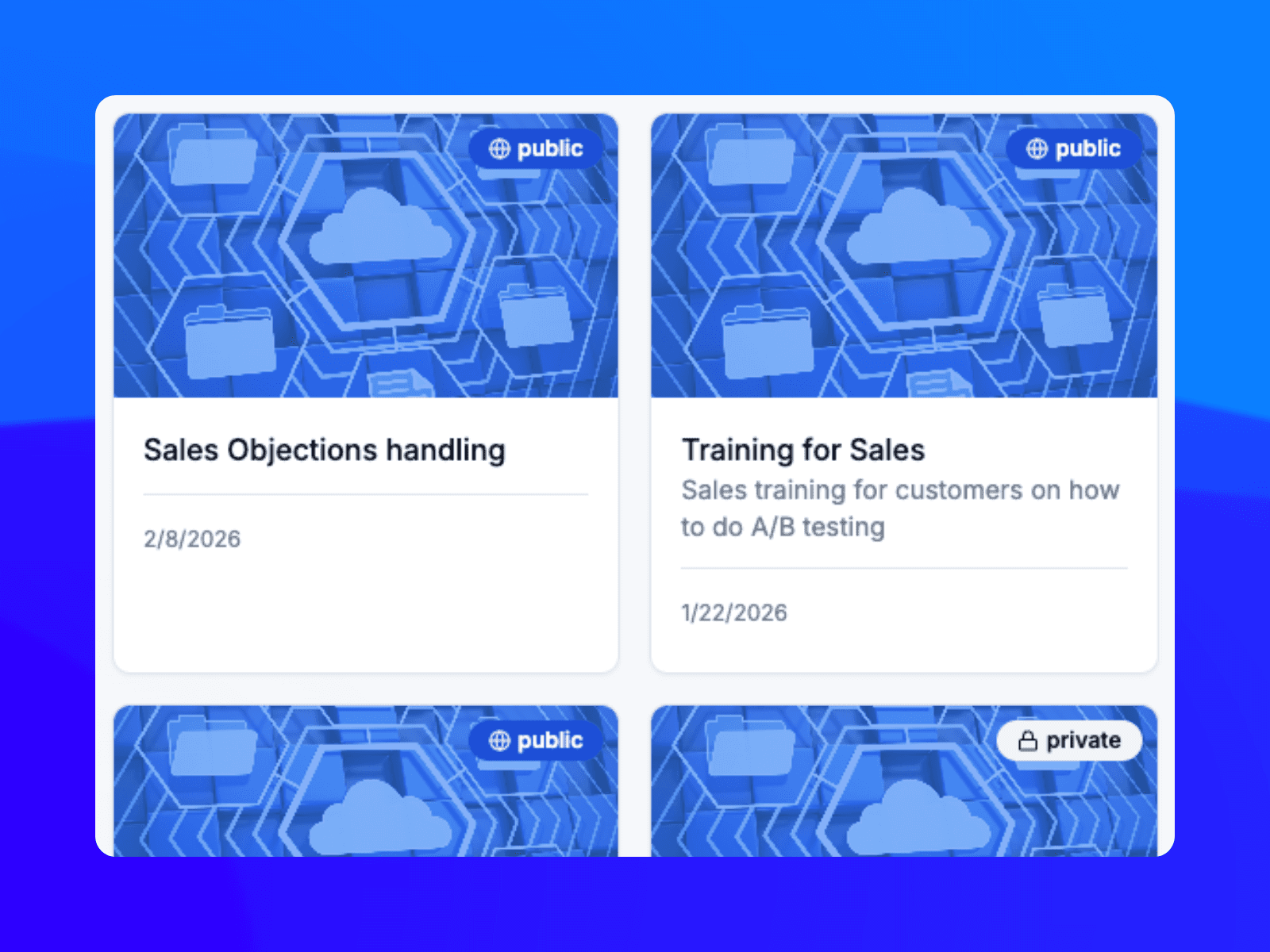
Skill Studio AI’s LMS training generation from templates streamlines the creation of structured branded and interactive courses. You can maintain consistency across your organisation using pre-existing templates or utilise the “AI Generate” wizard to craft new content from scratch. This wizard allows for the rapid construction of full courses in seconds.


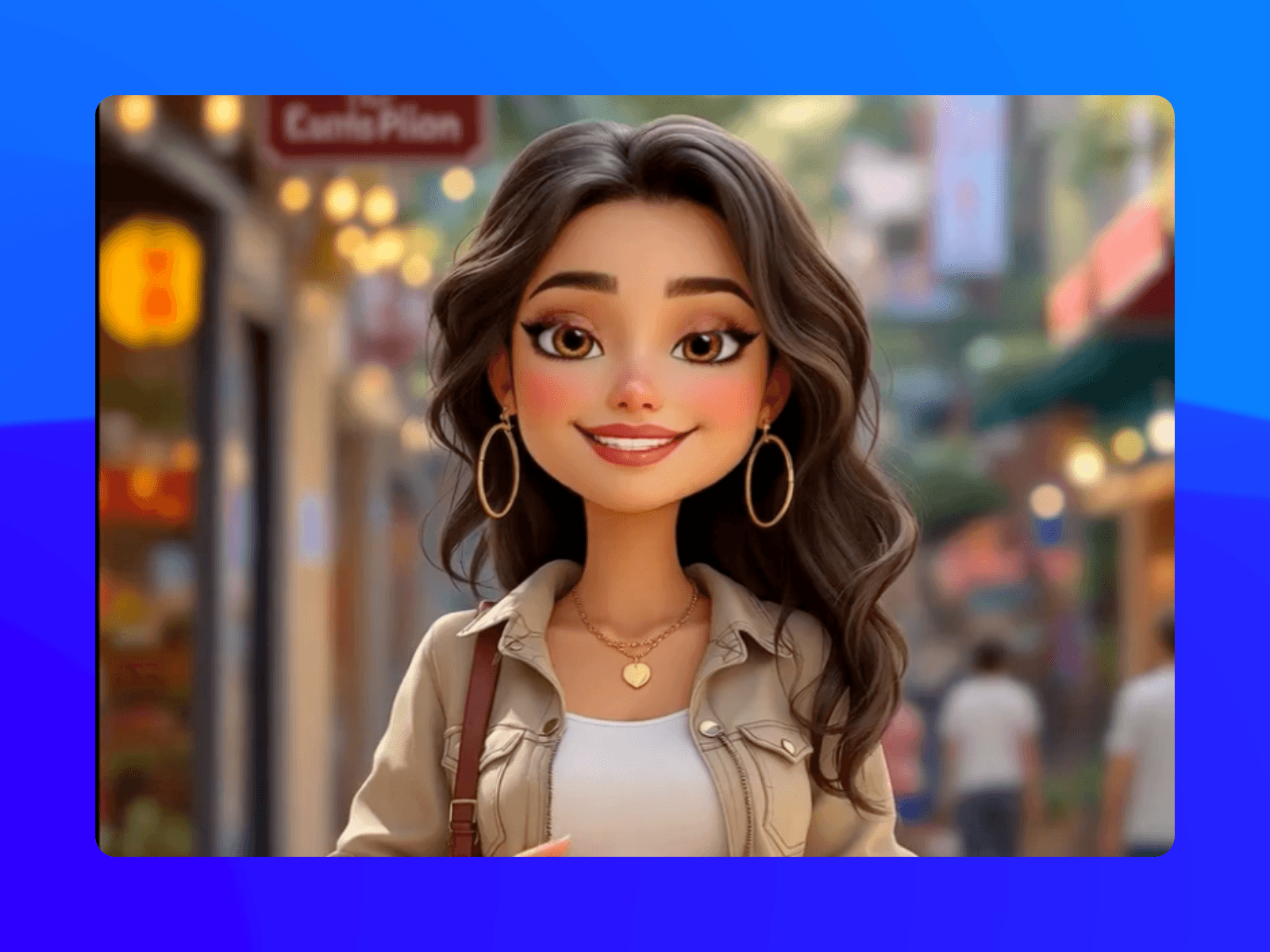
A smilintg girl holding books

3000+ training videos already created

50
Languages
60+
Hours of Video Content
3*
5 Star Reviews

Key Steps to Generate Training from Templates

Section Background

1

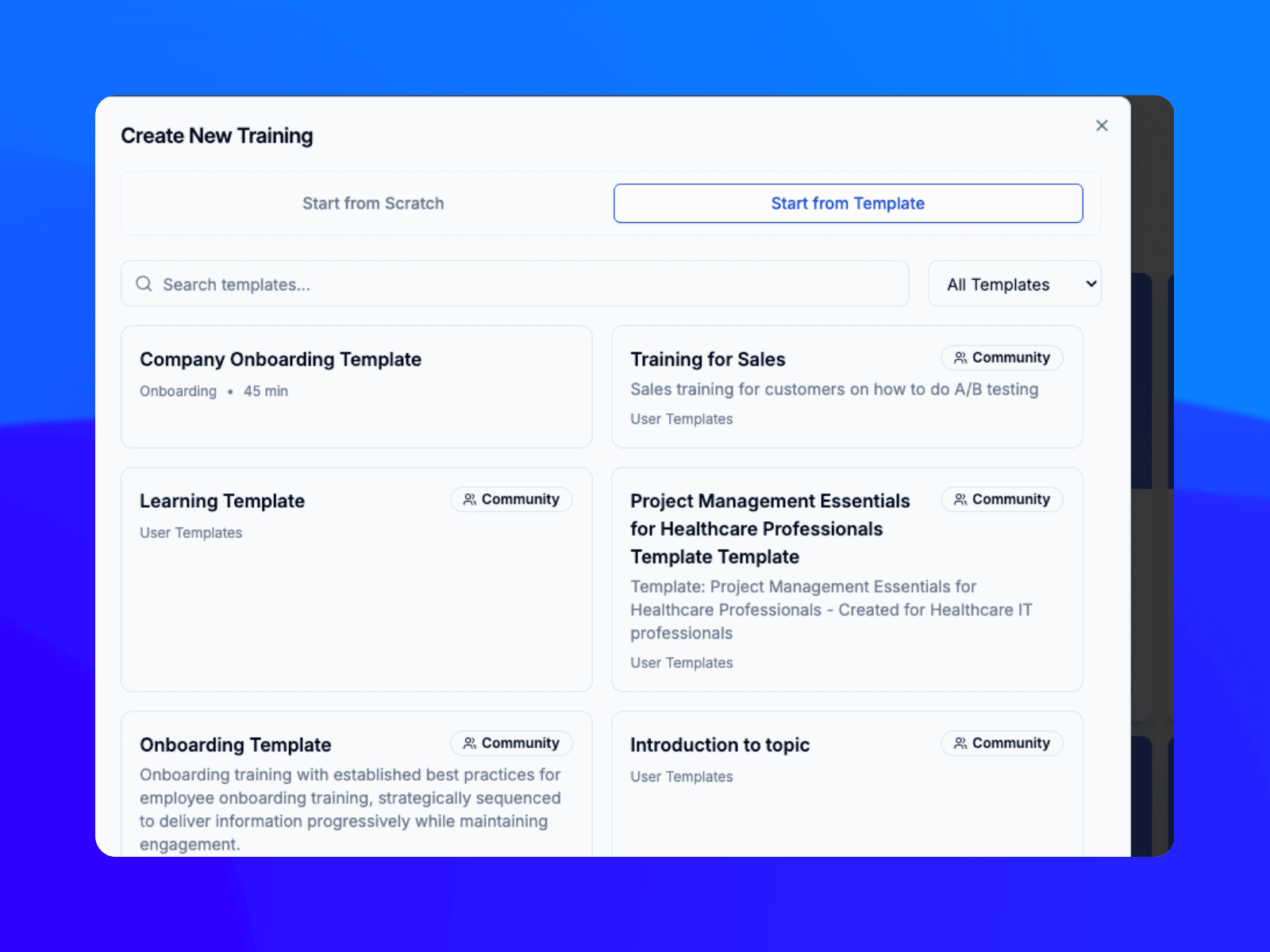
Access the Creator: Start from the Library page and click "Create New," then choose a method like AI Generate or select a pre-designed template.Leverage AI Generate: Within the AI Generate wizard, define the topic, target audience, skill level, content length, language (supports over 100 languages), tone, and learning objectives.

2

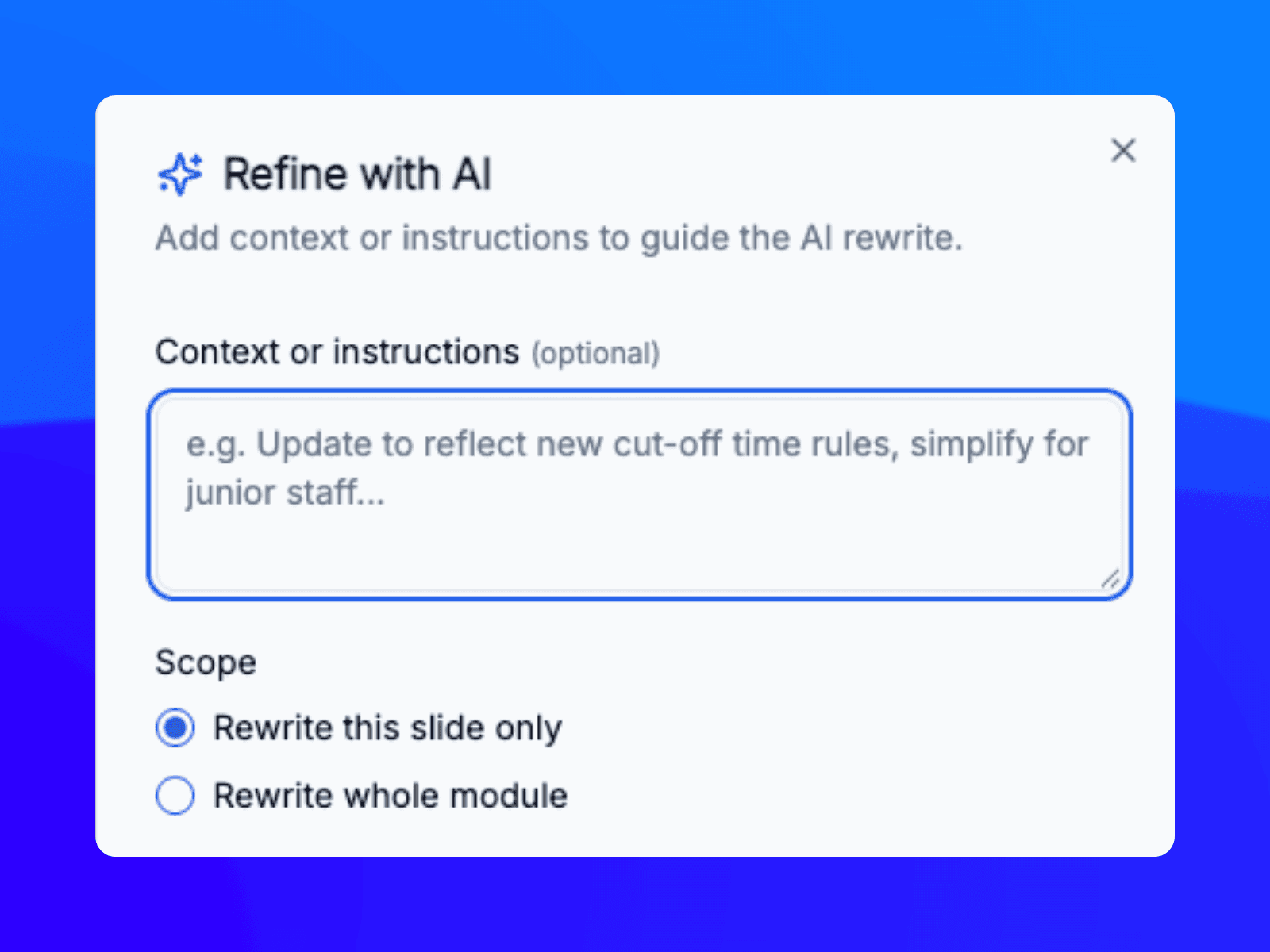
Leverage AI Generate: Within the AI Generate wizard, define the topic, target audience, skill level, content length, language (supports over 100 languages), tone, and learning objectives.

3

Customize Template Content: Once a template is generated or selected, you can edit, remove, or reorder screens to fit your specific needs. This includes replacing placeholder text and uploading your own media.

Section Background

1

Access the Creator: Start from the Library page and click "Create New," then choose a method like AI Generate or select a pre-designed template.Leverage AI Generate: Within the AI Generate wizard, define the topic, target audience, skill level, content length, language (supports over 100 languages), tone, and learning objectives.

2

Leverage AI Generate: Within the AI Generate wizard, define the topic, target audience, skill level, content length, language (supports over 100 languages), tone, and learning objectives.

3

Customize Template Content: Once a template is generated or selected, you can edit, remove, or reorder screens to fit your specific needs. This includes replacing placeholder text and uploading your own media.

Section Background

1

Access the Creator: Start from the Library page and click "Create New," then choose a method like AI Generate or select a pre-designed template.Leverage AI Generate: Within the AI Generate wizard, define the topic, target audience, skill level, content length, language (supports over 100 languages), tone, and learning objectives.

2

Leverage AI Generate: Within the AI Generate wizard, define the topic, target audience, skill level, content length, language (supports over 100 languages), tone, and learning objectives.

3

Customize Template Content: Once a template is generated or selected, you can edit, remove, or reorder screens to fit your specific needs. This includes replacing placeholder text and uploading your own media.

Seamless Creation Features from pre-built templates

Pre-Built Structures: Access a library of templates categorized by common training needs, such as Onboarding, Compliance, and Sales Training.

Commercial Plumbing
Commercial Plumbing
Commercial Plumbing
Commercial Plumbing

Move from a raw document to a fully launched course in under 60 seconds.

AI-Powered Content Infilling: Use the AI Generate wizard to automatically populate templates based on a simple text prompt or a PDF upload (up to 50MB). The AI analyzes your data to draft lessons, objectives, and summaries directly into the template.

Save 20 hours per month on training creation compared to traditional methods.

Modular Screen Types: Drag and drop from over 15 unique screen types—including quizzes, flashcards, video narration, and assessments—to customize any template layout.

Commercial Plumbing
Commercial Plumbing
Commercial Plumbing
Commercial Plumbing

Never miss an audit with approved templates

Built-in templates for regulated industries (like banking or healthcare) ensure that mandatory elements like knowledge checks and tracking are automatically included for compliance.

First draft, done; go from source to course in minutes

Upload your existing materials—from videos to PDFs, PPTx, and web links, and add your learner preferences to produce an evidence-based first draft in minutes.

Commercial Plumbing
Commercial Plumbing

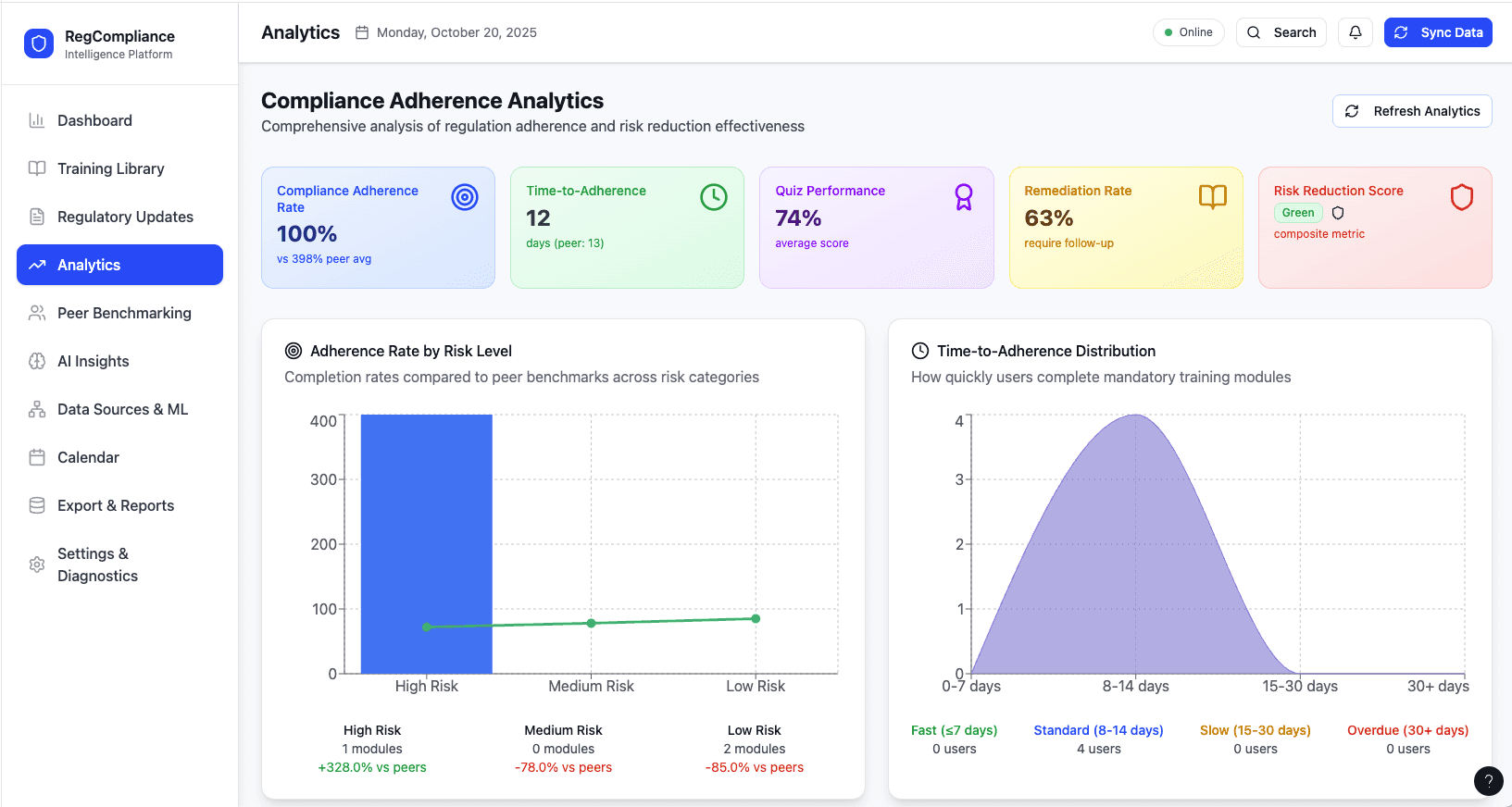
See What Your Training Data Is Really Telling You

Get a personalised demo and discover how Skill Studio AI's Course Analytics can help your team stay compliant, prove impact, and grow smarter.

What our customers say

Our customers are at the heart of everything we do. We listen to your needs and tailor our services to meet them.


We are thrilled with our new corporate videos. The team was incredibly calm, patient, and fostered a pleasant atmosphere. Everything came together seamlessly! We wholeheartedly endorse and would recommend them anytime.

Mackie Clonts

Mackie Clonts

Training Manager,CareRev

Skill Studio has created a few integrated systems that allow an organization like our to let our imaginations run a bit wild and still end up with a professional product.

Jeff Burstein

Jeff Burstein

CEO,LEAF-LAB

In the compliance space, clarity is king. Skill Studio AI provides the video content we need to ensure 100% policy understanding.

Marcus Rivera

Marcus Rivera

Compliance Manager,Creative Studio

Related Resources

Related Resources

Check out our Product Tours

Explore the learner, manager and L&D leader experience in one quick product tour and understand how training is delivered, tracked and reported in real time.

Try our Free Tools

With Skill Studio AI Free Tools you can test several free authoring and AI generation tools using a variety of unique applications

Sunday, March 29, 2026

SCORM Tester

Starting and Growing a Career in Web Design

Sunday, March 29, 2026

SCORM Tester

Sunday, March 8, 2026

Media Generation App

Starting and Growing a Career in Web Design

Sunday, March 8, 2026

Media Generation App

Woman presenting to audience in a modern office setting.

Sunday, March 8, 2026

Employee Skills Development App

Starting and Growing a Career in Web Design

Woman presenting to audience in a modern office setting.

Sunday, March 8, 2026

Employee Skills Development App

a bunch of different colored sprinkles on a pink background

Sunday, March 8, 2026

AI Image generation studio

Starting and Growing a Career in Web Design

a bunch of different colored sprinkles on a pink background

Sunday, March 8, 2026

AI Image generation studio

Sunday, March 29, 2026

SCORM Tester

Sunday, March 8, 2026

Media Generation App

Woman presenting to audience in a modern office setting.

Sunday, March 8, 2026

Employee Skills Development App

a bunch of different colored sprinkles on a pink background

Sunday, March 8, 2026

AI Image generation studio

Frequently Asked Questions

Core Functionality & Speed

How long does it take to create a course from a PDF?

Most courses can be generated in under 10 minutes. The AI "Wizard" can specifically draft a full structure from a text prompt or document in under 60 seconds.

Is there a limit on file uploads?

You can upload PDFs or PowerPoints up to 50MB.

What makes it different from other generators?

It is specifically designed for enterprise compliance in regulated industries (like banking or healthcare), offering audit-ready dashboards and custom Knowledge Base integration.

Integration & Compatibility

Does it integrate with my existing LMS?

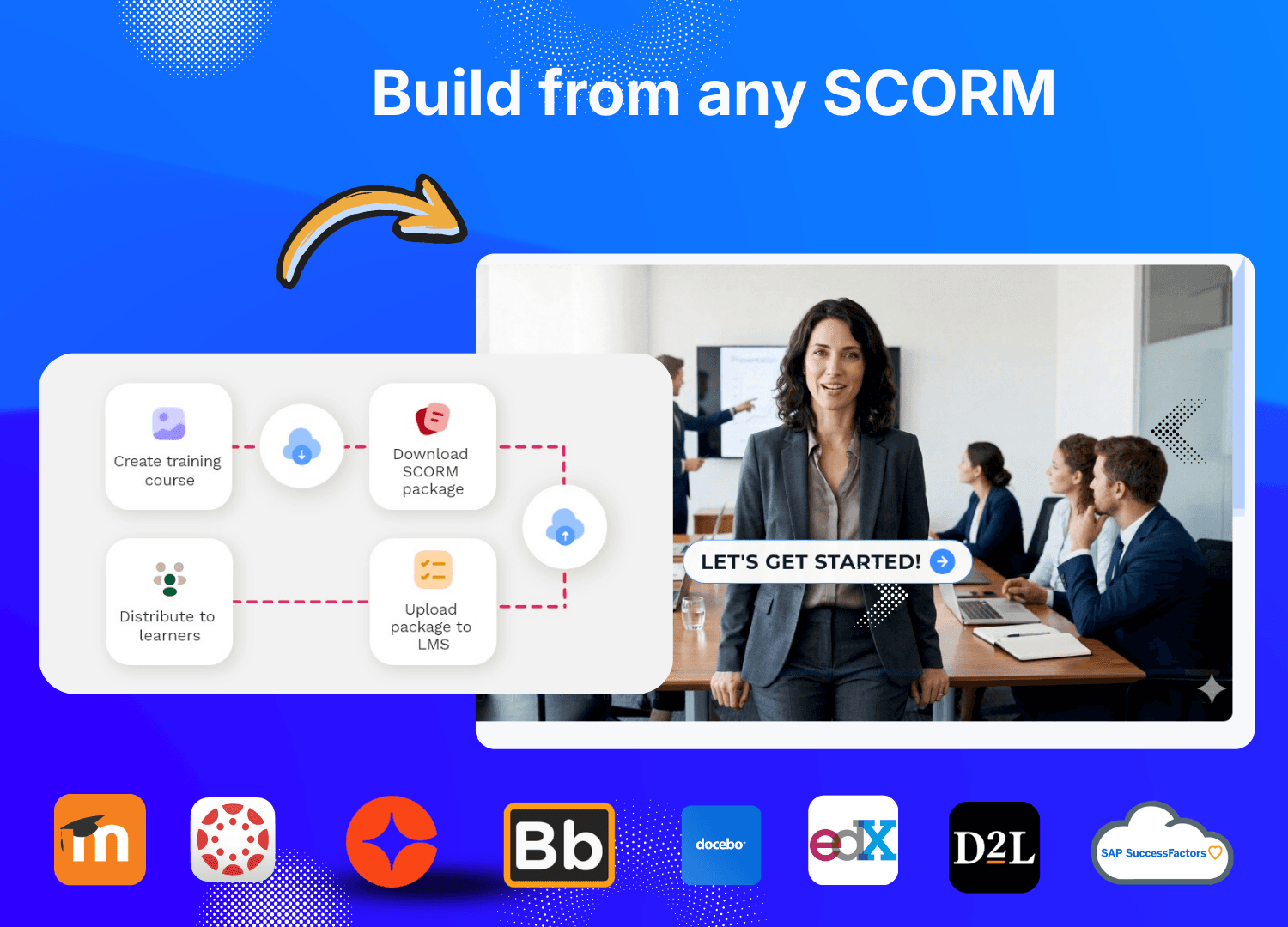
Yes. It supports SCORM (1.2/2004) export, allowing modules to plug directly into platforms like Cornerstone, SAP SuccessFactors, and Moodle.

Does it support multiple languages?

Yes, it supports over 100 languages and offers native-sounding AI narration for global teams.

Pricing & Subscription

Is there a free version?

Yes, there is a Free tier available for creating AI videos. Commercial plans often offer unlimited generation for a monthly fee per user.

How much does it cost?

Enterprise plans typically start at around $99/month for unlimited learners, though custom pricing is available for larger needs.

What happens if I cancel?

Usually, courses are deleted approximately 15 days after cancellation, so users are advised to download their SCORM packages before ending a subscription. [6, 7, 8, 9]

Special Features

Can I use custom avatars?

Yes. You can choose from dozens of realistic AI hosts or even clone your own company executives to narrate training.

How are quizzes generated?

The AI automatically creates relevant assessments (multiple choice, true/false, etc.) by analyzing the specific content of your course.

Insights That Move the Needle

Don't just educate—measure the impact. Our real-time analytics dashboard gives you a clear view of how your education program affects your bottom line.

Agency Workspace

95%

Reduction in Training Cost

€5,000

Savings per training

10 X

Faster content creation