AI powered quiz generation in minutes

Stop writing quiz questions manually. Let AI analyze your course content and generate relevant, well-crafted assessments in seconds.


A smilintg girl holding books

3000+ training videos already created

50
Languages
60+
Hours of Video Content
3*
5 Star Reviews

Best for

HR, L&D, and compliance teams building high-impact internal training at scale, as well as individual creators, edupreneuers, and coaches.

1 Create or upload your course Start by creating a course from a topic, or upload a PDF, PowerPoint, or Word document. The AI will use your content as the foundation for quiz questions. 2 Generate quiz questions with AI Add a quiz block to any section. Click the AI button to automatically generate multiple-choice questions based on your course content — no manual writing needed. 3 Review, customize, and share Select which AI-generated questions to keep, edit them if needed, and configure quiz settings like passing score and retries. Then share or export as SCORM.

Section Background

1

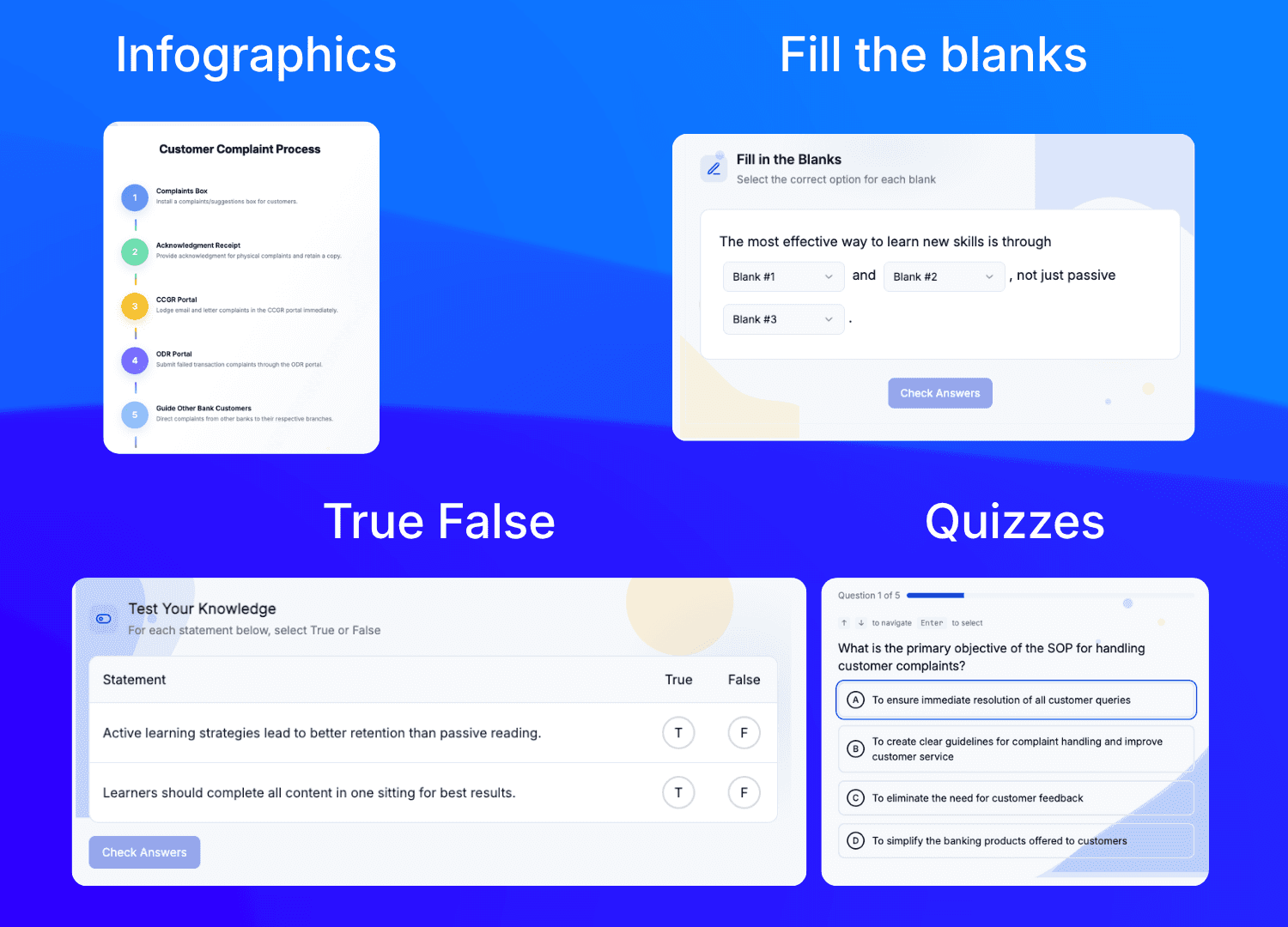
Automatically generate quiz questions from your course content using AI. This supports multiple choice fill-in-the-blank matching and ordering question types and can be exported as SCORM with quiz tracking.

2

Craft engaging assessments using a mix of question formats within a single quiz to thoroughly check for comprehensive knowledge.

3

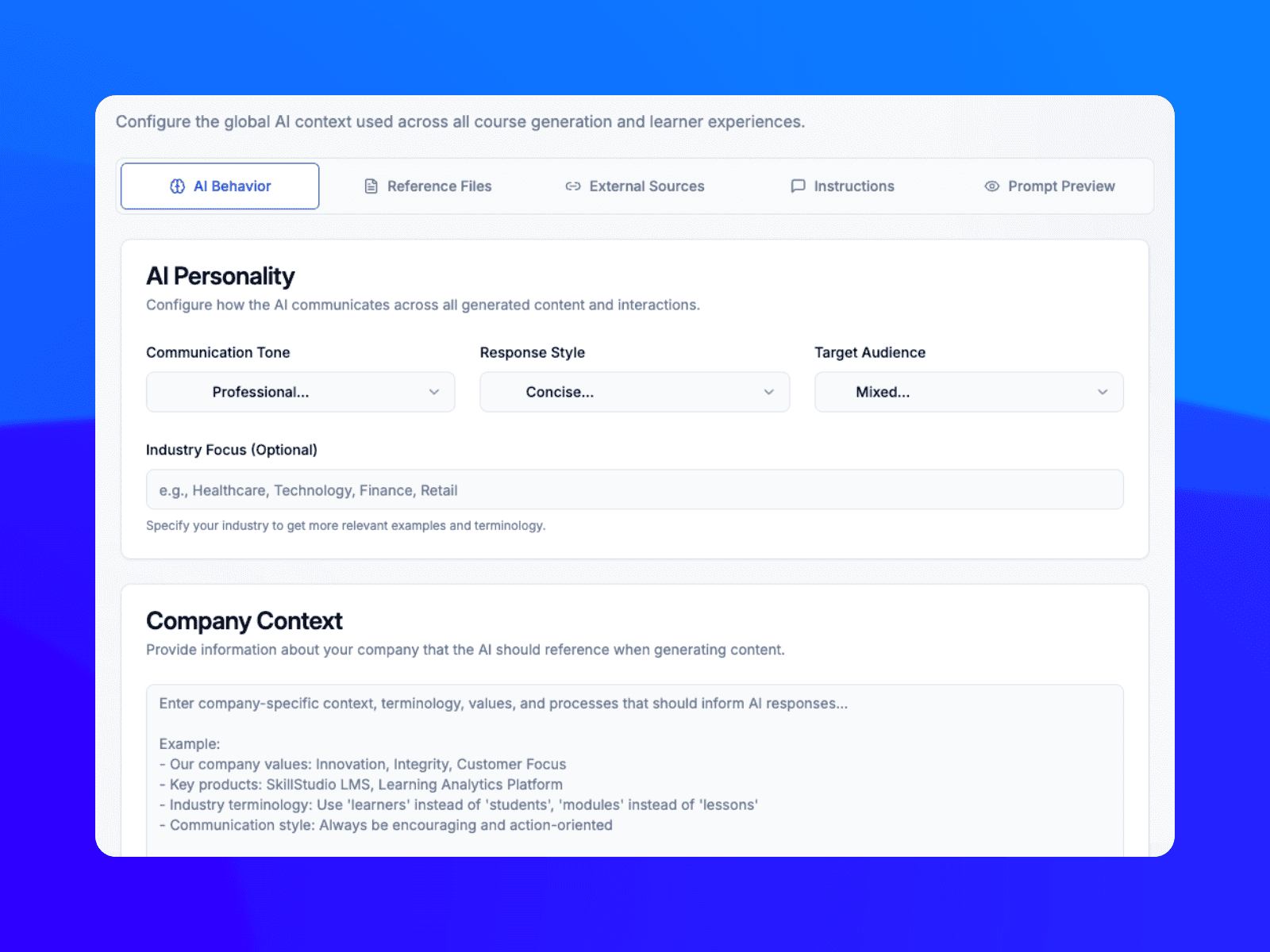
Start by creating a course from a topic, or upload a PDF, PowerPoint, or Word document. The AI will use your content as the foundation for quiz questions.

Section Background

1

Automatically generate quiz questions from your course content using AI. This supports multiple choice fill-in-the-blank matching and ordering question types and can be exported as SCORM with quiz tracking.

2

Craft engaging assessments using a mix of question formats within a single quiz to thoroughly check for comprehensive knowledge.

3

Start by creating a course from a topic, or upload a PDF, PowerPoint, or Word document. The AI will use your content as the foundation for quiz questions.

Section Background

1

Automatically generate quiz questions from your course content using AI. This supports multiple choice fill-in-the-blank matching and ordering question types and can be exported as SCORM with quiz tracking.

2

Craft engaging assessments using a mix of question formats within a single quiz to thoroughly check for comprehensive knowledge.

3

Start by creating a course from a topic, or upload a PDF, PowerPoint, or Word document. The AI will use your content as the foundation for quiz questions.

Commercial Plumbing

Context-Driven Quizzes

The AI scans specific course materials and generates relevant questions, ensuring they directly address what was taught.

Commercial Plumbing

Context-Driven Quizzes

The AI scans specific course materials and generates relevant questions, ensuring they directly address what was taught.

Commercial Plumbing

Generate quiz questions for you from start to finish using AI.

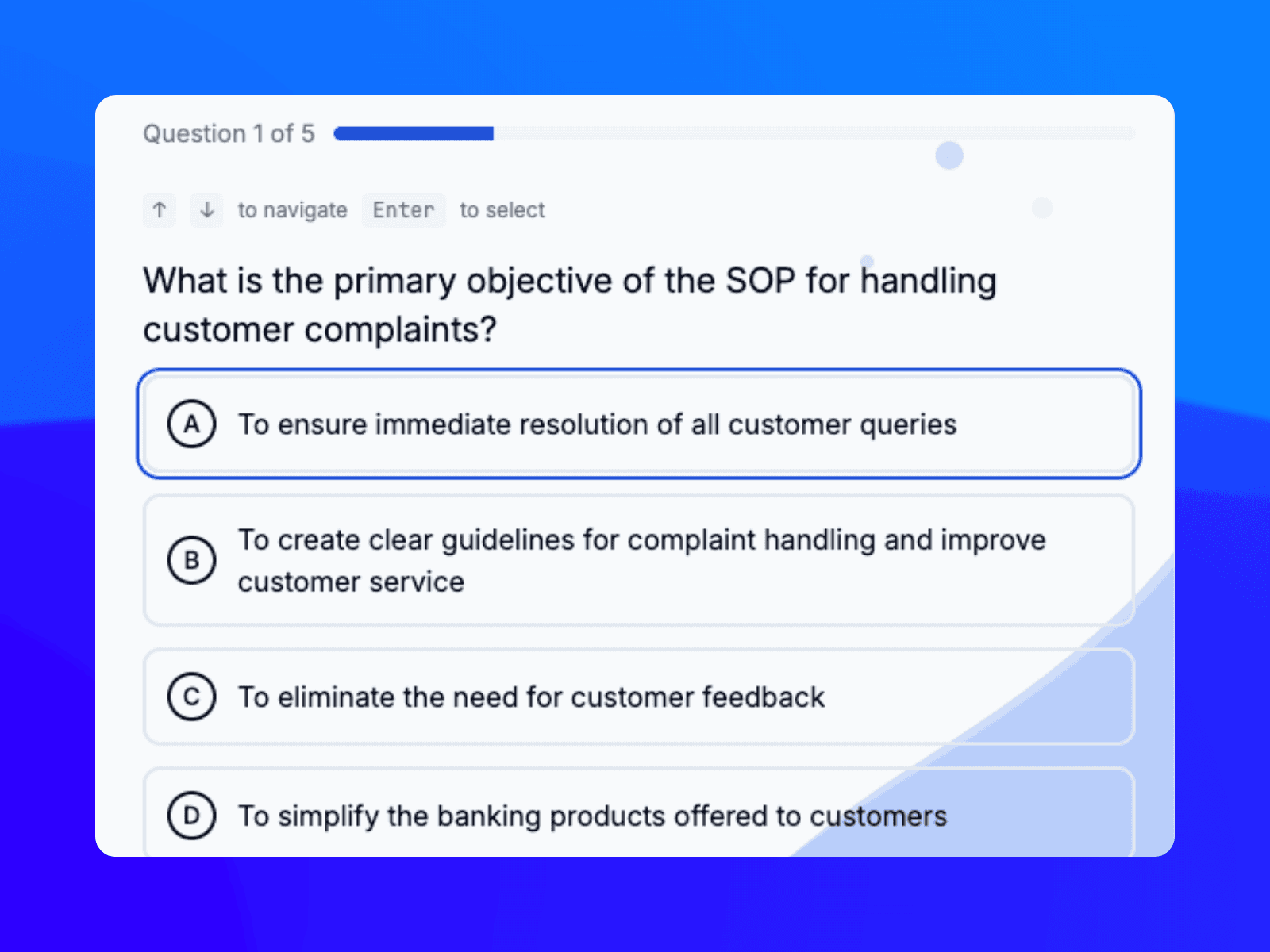
Include a quiz block in any section. Simply click the AI button to automatically generate multiple-choice questions based on your course content eliminating the need for manual writing.

Commercial Plumbing

Generate quiz questions for you from start to finish using AI.

Include a quiz block in any section. Simply click the AI button to automatically generate multiple-choice questions based on your course content eliminating the need for manual writing.

Commercial Plumbing
Commercial Plumbing
Commercial Plumbing

Review, customize, and share

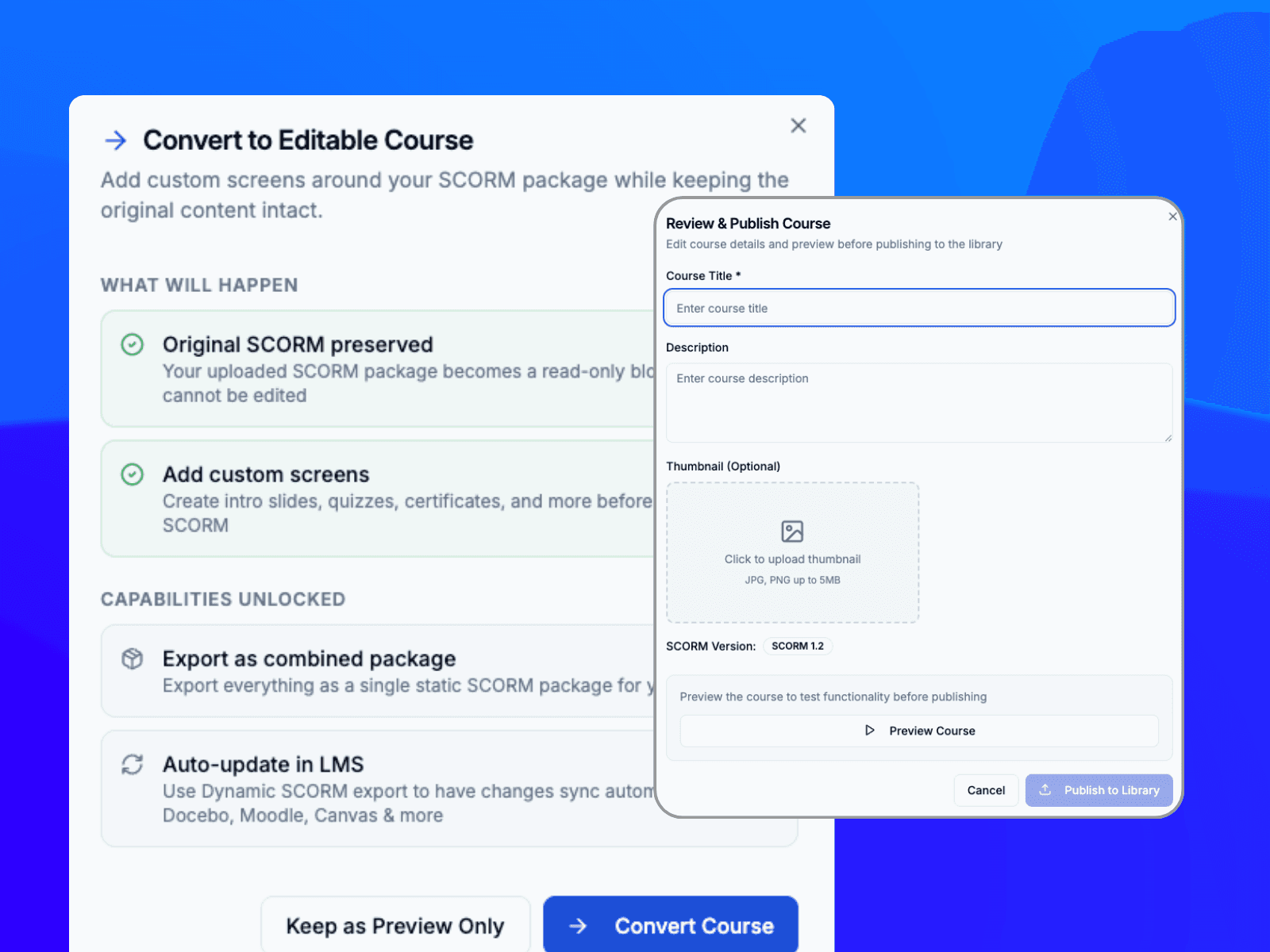
Choose which AI-generated questions to keep, edit them as necessary and configure quiz settings such as the passing score and retries. Finally, share or export them as SCORM.

Automatic Question Generation

Create multiple-choice questions automatically from text, uploaded documents, or existing course units.

Commercial Plumbing
Commercial Plumbing
Commercial Plumbing
Commercial Plumbing

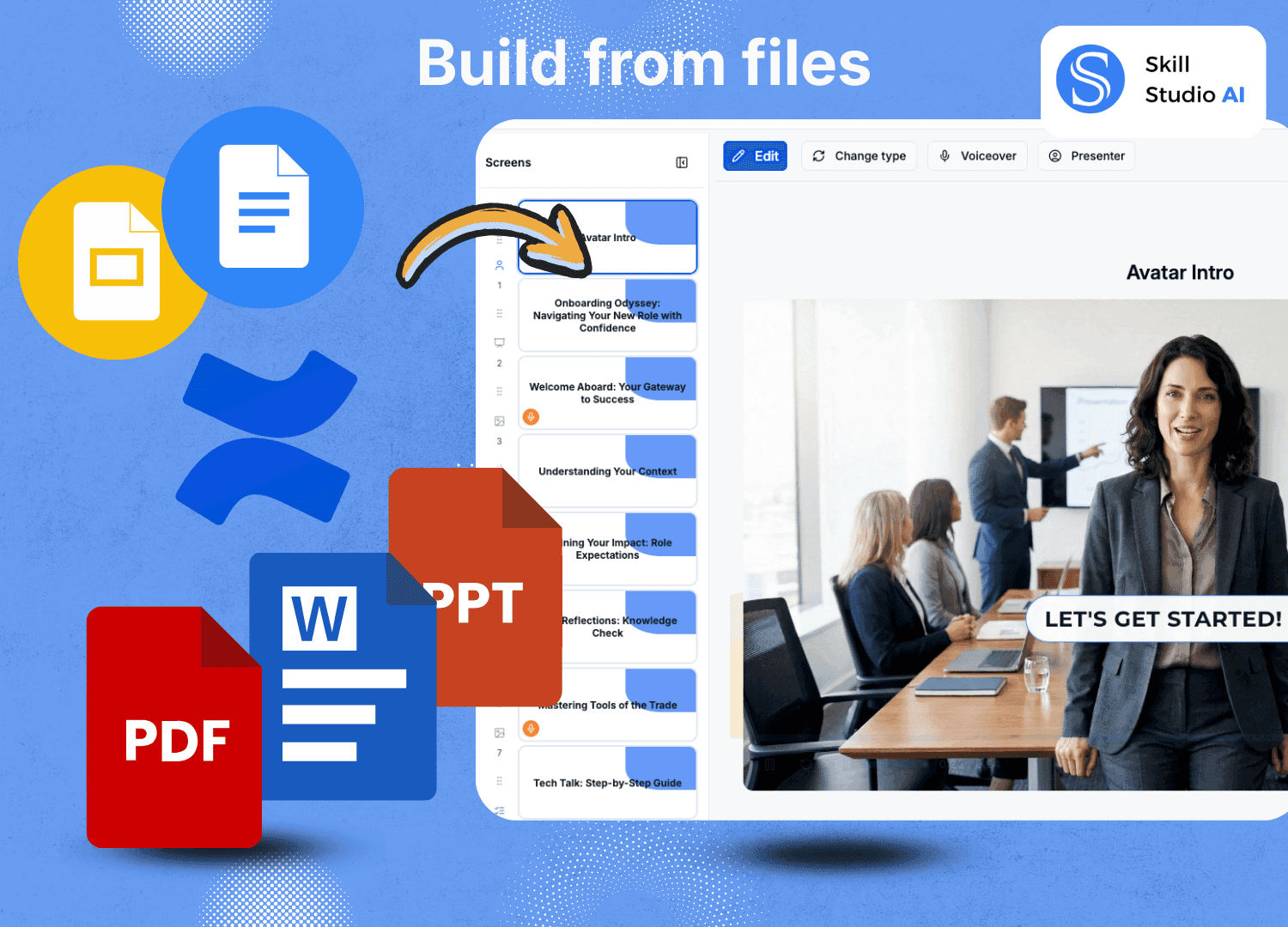
Create or upload your document

Begin by creating a course from a chosen topic or upload a PDF PowerPoint or Word document. The AI will then use your content as the basis for quiz questions.

See What Your Training Data Is Really Telling You

Get a personalised demo and discover how Skill Studio AI's Course Analytics can help your team stay compliant, prove impact, and grow smarter.

What our customers say

Our customers are at the heart of everything we do. We listen to your needs and tailor our services to meet them.


LEAF LAB
Skill Studio has created a few integrated systems that allow an organization like our to let our imaginations run a bit wild and still end up with a professional product.

LEAF LAB

CEO

5/5

Enterprise Ireland Logo

Skill Studio has created a few integrated systems that allow an organization like our to let our imaginations run a bit wild and still end up with a professional product.

Jeff Burstein

CEO

Related Resources

Related Resources

Related Resources

Check out our Product Tours

Explore the learner, manager and L&D leader experience in one quick product tour and understand how training is delivered, tracked and reported in real time.

Frequently Asked Questions

What is an AI quiz generator in an LMS?

It is a tool that automatically creates quiz questions (multiple choice, fill-in-the-blanks, matching) based on your uploaded course content, such as text, documents, or URLs. 

How do I create a quiz with AI?

You navigate to the quiz section, select the "AI Quiz Generator" button, and prompt the tool by providing source material or a topic. The AI will generate questions, which you can then review and edit. 

What types of questions can the AI create?

Skill Studio AI supports 20 question blocks. The most versatile LMS available!

Does the AI provide answer keys?

Yes, in most cases, the AI generates both the questions and the correct answers, along with explanations for the answers. 

What kind of content can I use to generate quizzes?

You can usually upload PDF documents, text files, Word documents, or provide a URL to a webpage or video transcript to Skill Studio AI LMS.

How accurate are AI-generated questions?

While highly advanced, AI can make mistakes. It is strongly recommended to review all questions for accuracy and appropriateness before publishing. 

Can I edit the generated questions?

Yes, all AI-generated questions should be editable, allowing you to refine the questions, answers, and distractors (incorrect options) to better fit your teaching style. 

Does the AI understand different difficulty levels?

Yes, you set the difficulty for any course generated from files or with AI which will allow you to specify the difficulty level (e.g., beginner, intermediate, advanced) during the generation process.

Does the platform support standard LMS export formats?

Yes, Skill Studio AI supports SCORM export which can be easily embedded into other platforms. It also allows sharing via link or direct web embed.

Is there a limit to how many questions I can generate?

No! You can generate as many as you want, but we recommend breaking the questions and content to make it more engaging.

Does the AI use student data to train its models?

No, as per our data privacy policy, we ensure student data is not used for training AI models or shared with third parties. 


Insights That Move the Needle

Don't just educate—measure the impact. Our real-time analytics dashboard gives you a clear view of how your education program affects your bottom line.

Agency Workspace

95%

Reduction in Training Cost

€5,000

Savings per training

10 X

Faster content creation