Mobile Learning Experience
2
min read
Category:
Creating courses
Back to Knowledge Centre Home
Mobile-First Design
Courses that work everywhere
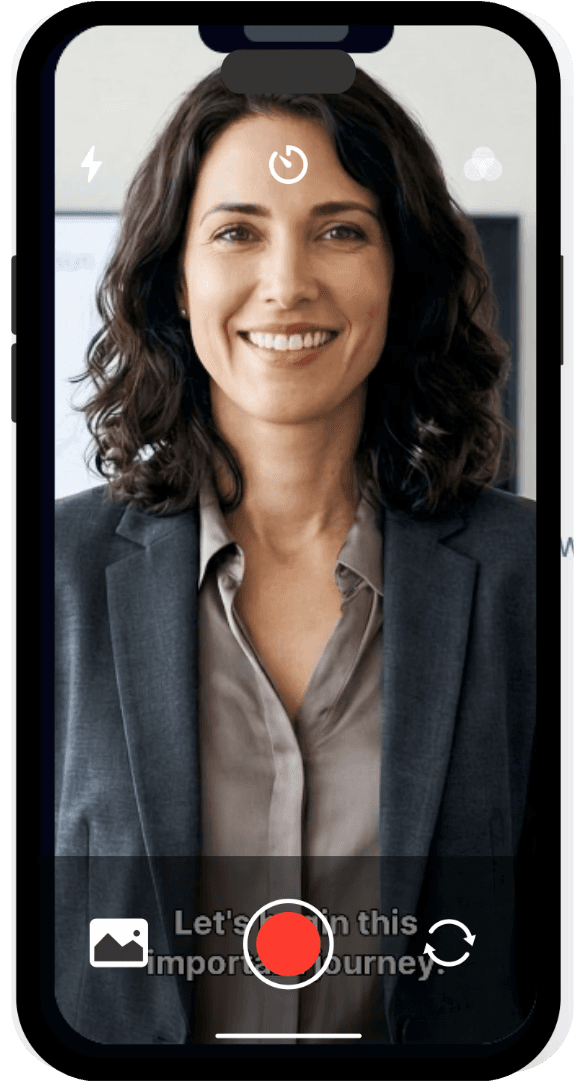
Skill Studio AI courses are fully responsive and optimized for mobile devices. Learners can complete training on phones, tablets, and desktops with consistent experience.
Design Considerations
Mobile Features
Touch-optimized navigation, readable text sizing, and properly scaled media. Quizzes and interactive elements work with touch input. Progress syncs across devices.
Testing on Mobile
Preview courses in mobile view from the editor. Check text readability, button sizes, and media scaling. Adjust layouts if needed for smaller screens.
Offline Support
Mobile learners can continue courses with intermittent connectivity. Progress saves locally and syncs when connection returns.
Push Notifications
Mobile learners receive push notifications for course updates, reminders, and completions if notifications are enabled.
Mobile learners can continue courses with intermittent connectivity. Progress saves locally and syncs when connection returns.
Liked the article?
Share it!