Customer Education
Jul 26, 2025

Zavian Noor
From first impressions to long-term loyalty, discover how smart onboarding creates customer experiences that actually stick.

Onboarding: The Critical First Win
Trying out a new enterprise product can be intimidating. In high-stakes sectors like FinTech and Banking, the first exposure determines whether a client will scale with you or churn before the first renewal. Customers who feel supported, empowered, and—most importantly—activated are the ones who turn into lifelong advocates.
This is the power of customer onboarding. It’s a process that emphasizes the why and not just the how. However, most companies struggle with the "Onboarding Gap": the weeks of manual labor it takes to create custom training for every new client. When your onboarding is slow, your time-to-revenue stalls.
In this guide, we’ll explore how to transform onboarding from a manual bottleneck into an automated "AI Factory" that scales as fast as your sales team.
Key Takeaways
Speed is a Feature: The faster a customer achieves their "First Win," the lower the churn risk.
Kill the Admin Debt: Stop building onboarding decks manually. Use AI to turn your product specs into interactive academies in minutes.
Sync is Essential: Use Dynamic SCORM to ensure your customer training is always in sync with your latest product release.
What is Customer Onboarding?
Customer onboarding is the process of guiding new users through the critical first stages of adopting your product. It is the welcome mat, the orientation, and the starter kit all in one.
In the Skill Studio AI ecosystem, onboarding isn't just a series of videos; it is an Activation Journey. It connects the dots between your product’s features and the specific problems your customers are trying to solve.
Why Onboarding is Different from Generic Training
Onboarding is about building momentum. While general training might cover a variety of skills over time, onboarding focuses on gaining trust early. It’s about getting those early confidence-building experiences that carry a customer forward.
The 5 Pillars of High-Velocity Onboarding
To achieve FTE Reduction while increasing customer satisfaction, your onboarding should be built on these five pillars:
Welcome & Contextual Introduction: Reassure the customer they made the right choice by showing them exactly where to start.
Automated Product Walkthroughs: Use AI-generated avatars to demonstrate account setup, reducing the need for live, repetitive 1-on-1 demos.
Modular Learning Paths: Break complex products into 2-minute "micro-lessons." This keeps cognitive load low and engagement high.
Dynamic Updates: As your product evolves, your onboarding should too. Skill Studio AI allows you to update your training globally with one click.
Feedback Loops: Use built-in quizzes to measure comprehension, not just completion.
Why is Automated Onboarding Important?
A confused customer is a flight risk. If your software is supposed to make life easier but the training is a 50-page PDF, you’ve already lost.
Faster Time-to-Value: Most customers don't want to explore; they want to achieve. Onboarding accelerates that journey.
FTE Reduction: By automating the production of onboarding content, your Customer Success Managers (CSMs) can manage 5x more accounts without increasing headcount.
Competitive Differentiation: In a crowded market, a seamless, AI-powered onboarding experience sets you apart from competitors who leave users to fend for themselves.
Onboarding with Skill Studio AI & Dynamic SCORM
When a customer signs up, they’re buying into a promise. But even the best product won’t move the needle if the guidance is outdated.
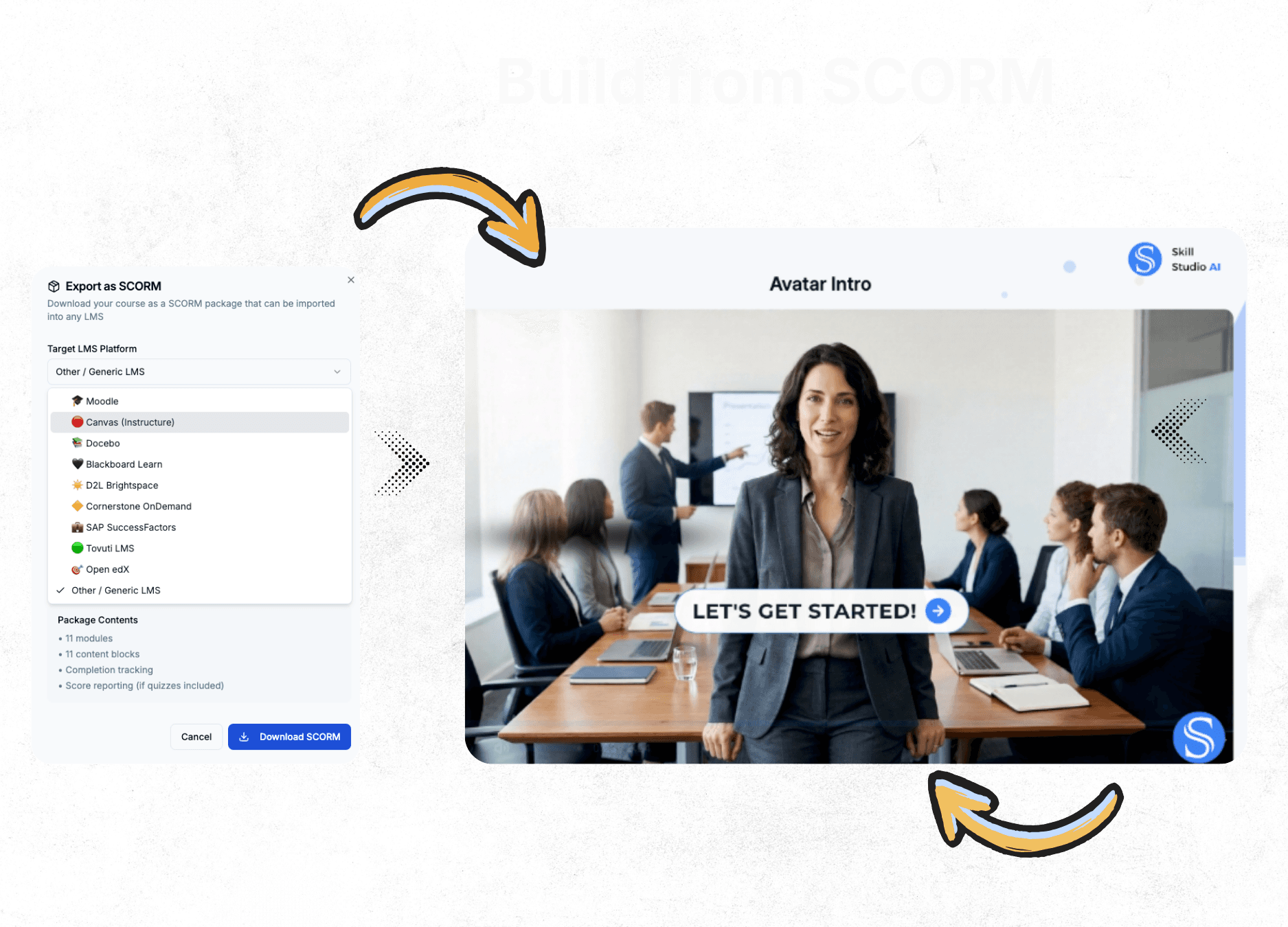
By using Dynamic SCORM, your onboarding content stays live. If you update a feature in your product, you update it in Skill Studio AI, and it reflects automatically in your customer’s LMS. No more sending "Updated_Onboarding_v2_FINAL.zip" files.
Step-by-Step Guide to Scaling Your Onboarding
Step 1: Plan the "First Win" Objective What is the one thing your customer needs to do to see value? Build your onboarding around that goal.
Step 2: Design an Intuitive Interface via Framer Use our Framer CMS API to push your onboarding modules directly onto your website. Your training should feel like an extension of your product.
Step 3: Develop Modular AI Resources Upload your existing Sales Decks and FAQs. Let the AI Factory generate the scripts, voiceovers, and interactive quizzes.
Step 4: Automate the Sync Connect your onboarding modules to your customer's SuccessFactors or LMS environment using Dynamic SCORM.
Step 5: Measure & Refine Track which modules are being skipped and where users are getting stuck. Update the content in minutes to clear the bottleneck.

Turning Onboarding into an Opportunity for Growth
There’s a big difference between getting customers started and setting them in motion. Onboarding is your chance to turn those first few clicks into long-lasting loyalty. With the right mix of AI-driven production and scalable tools, you’ll pave the way for long-term success.
Ready to automate your customer journey? Claim your 10 free credits and launch your first academy today.